
Compatibility
Minecraft: Java Edition
Platforms
Supported environments




Details
EarthBlade Sounds: Amethyst and Mangrove Additions!✨
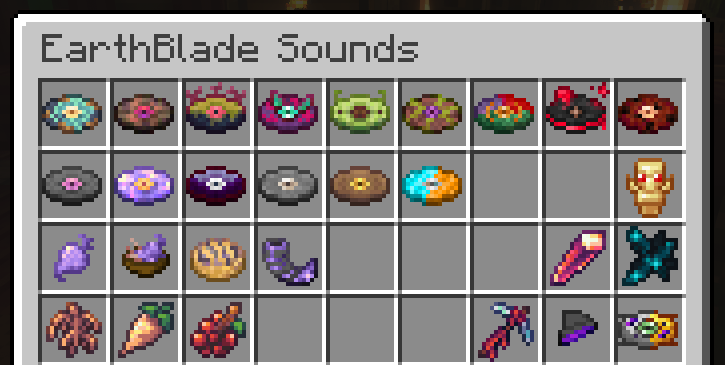
The DataPack adds +9 New Structures, along with +15 New Songs composed by Lena Raine, new Advancements, New Items, Recipes, Armors, Food's and secrets... 🔥
LuisterCorp © - 2025
Notas📝 (Notes)
- EarthBlade Sounds is translated into both Spanish, English, French, German, and Russian📇
- EarthBlade Sounds is compatible with versions 1.21 to 1.21.11🏷️
- EarthBlade Sounds adds new Overworld (structures) to world generation🌐
- EarthBlade Sounds is compatible with any generation Datapack in the World
- No it is necessary to unzip the downloaded file 🗂️
- Use Headphone for a better experience 🎧
Descripción 🎼 (Description)
Have fun in a whole new experience in the vanilla Overworld, we've added a musical adventure with songs composed by Lena Raine for the cancelled “EarthBlade” plus 9 themed structures with new items inside in the Overworld, bringing a unique and entertaining feature to Minecraft🌎
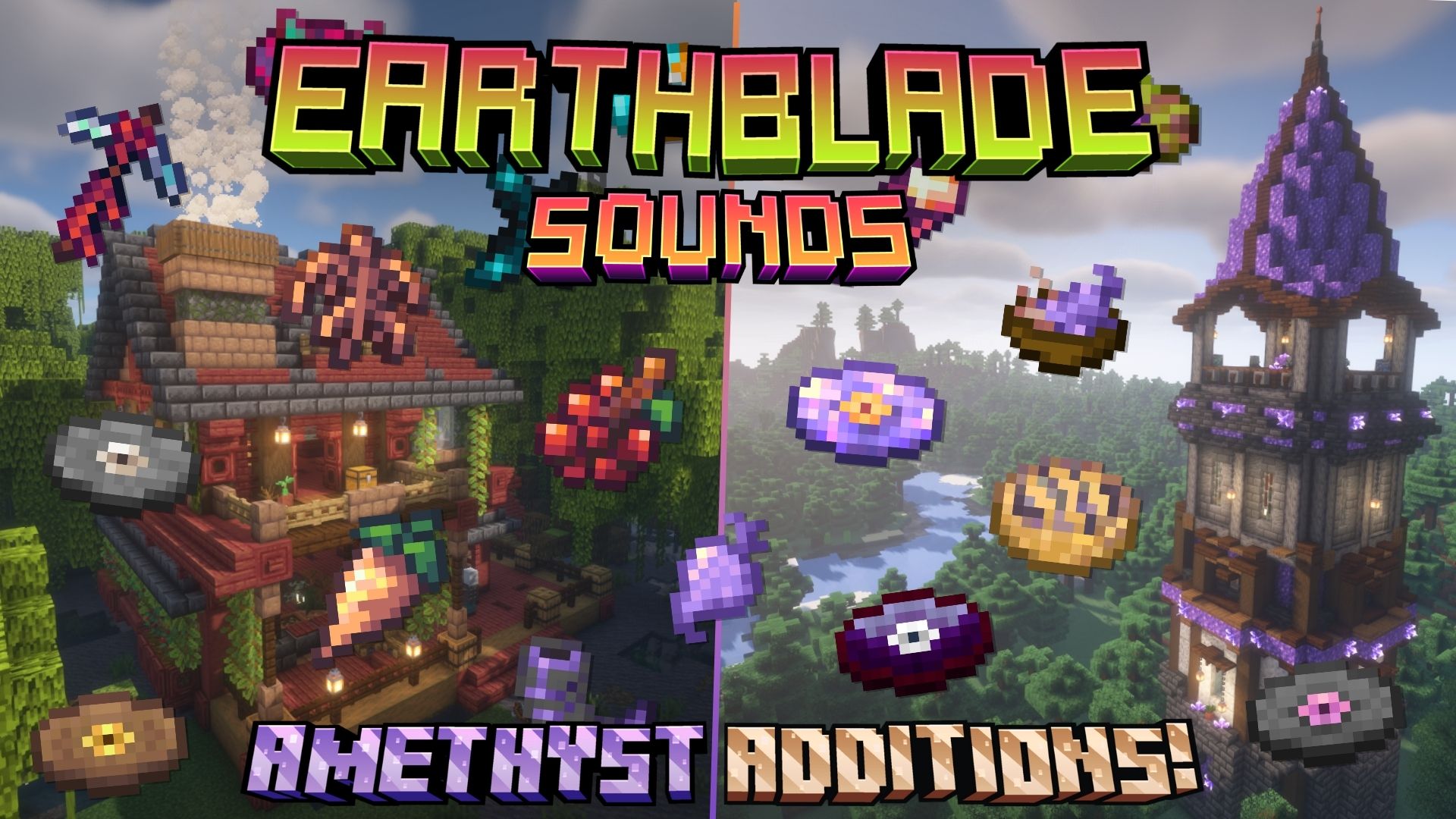
With this Datapack, exploration becomes more exciting, and below we will show every detail:
New's Structures 🗺️ (Nuevas Estructuras)
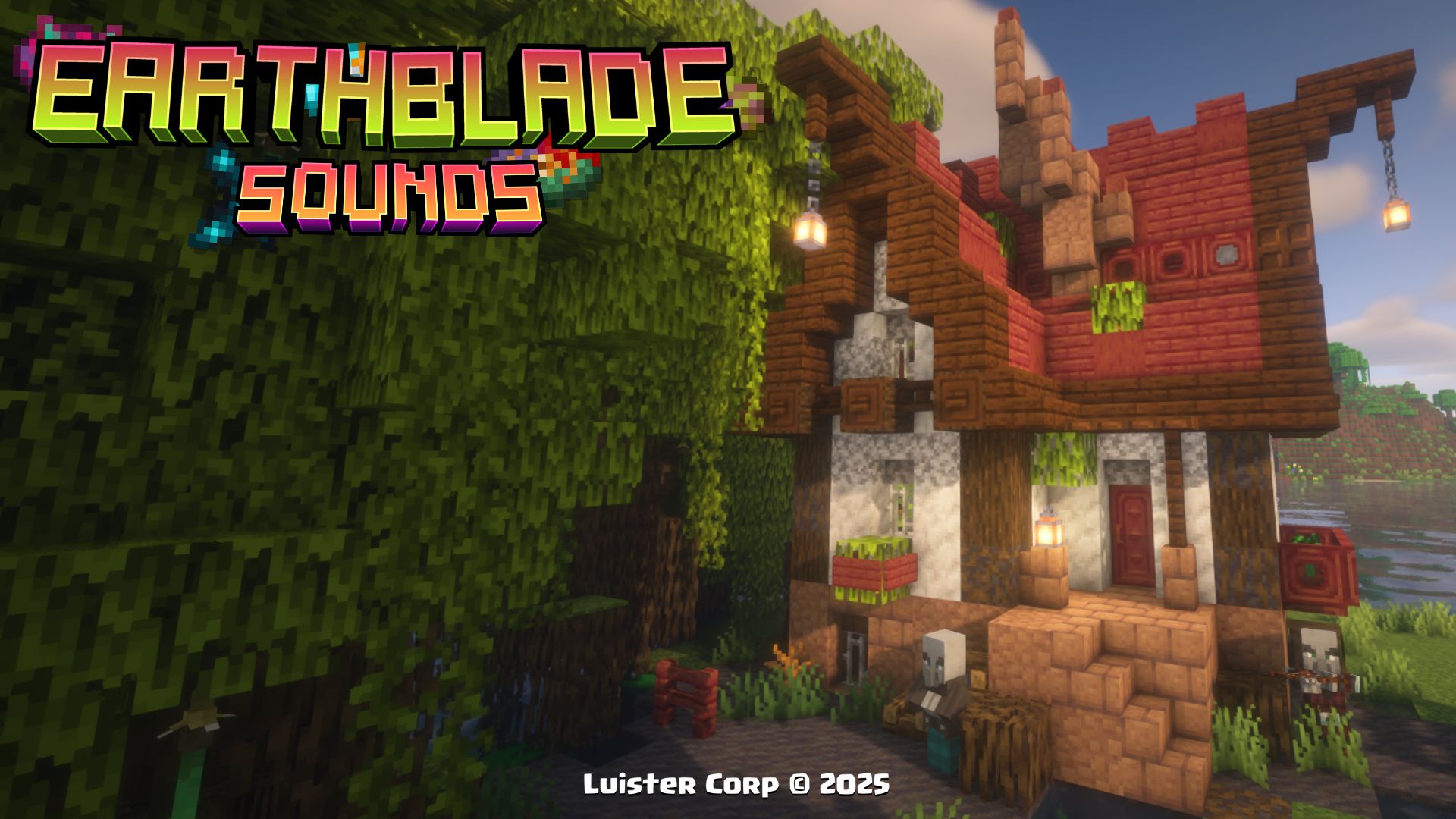
Mangrove Root House
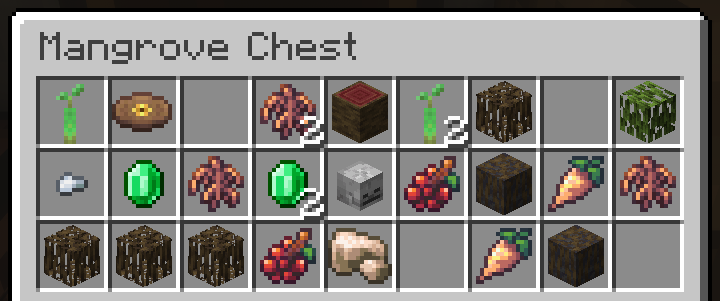
The Mangrove Root House it can appear in mangrove biomes, along with its own custom loot table, and it has completely new foods inside!
The Mangrove Root House, is generated in Mangrove Biomes, if you want to locate it by commands use:
/locate structure luistercorp:mangrove_root_house
 Promotional Image:
 Loot Table:
 Biome Generation List:
[

"minecraft:mangrove_swamp"

],
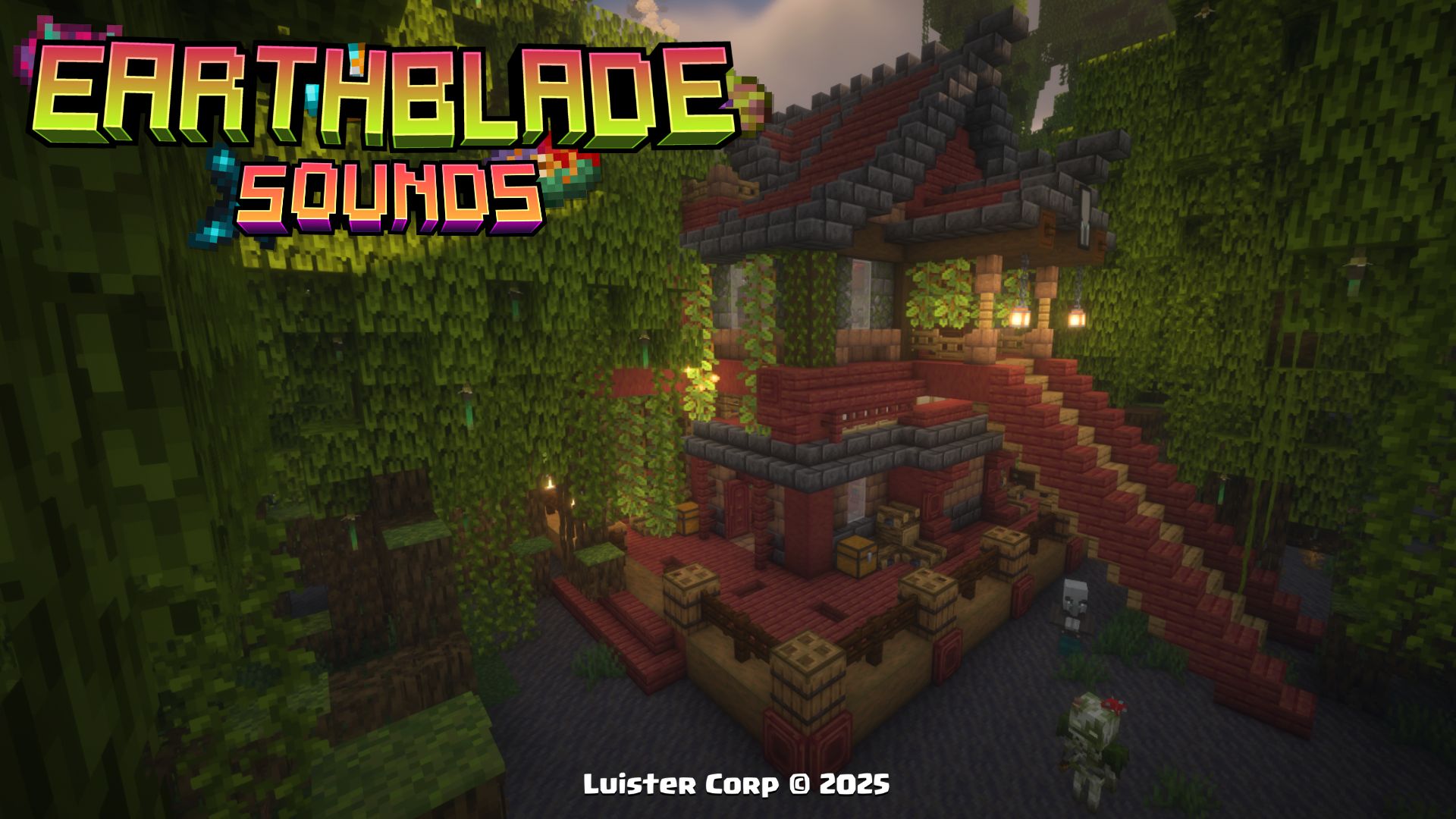
Mangrove Root Refuge
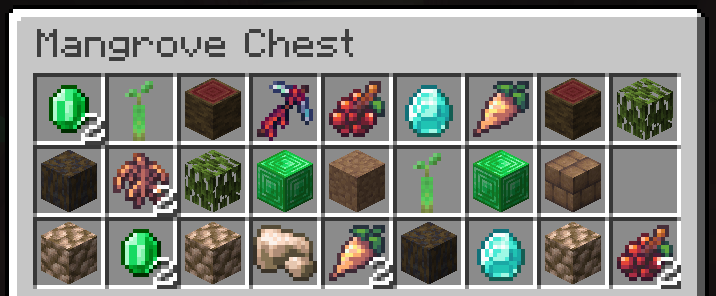
The Mangrove Root Refuge it can appear in mangrove biomes, along with its own custom loot table, and has multiple explorable floors with pillagers and vindicators!
The Mangrove Root Refuge, is generated in Mangrove Biomes, if you want to locate it by commands use:
/locate structure luistercorp:mangrove_root_refuge
Promotional Image:
Loot Table:
 Biome Generation List:
[

"minecraft:mangrove_swamp"

],
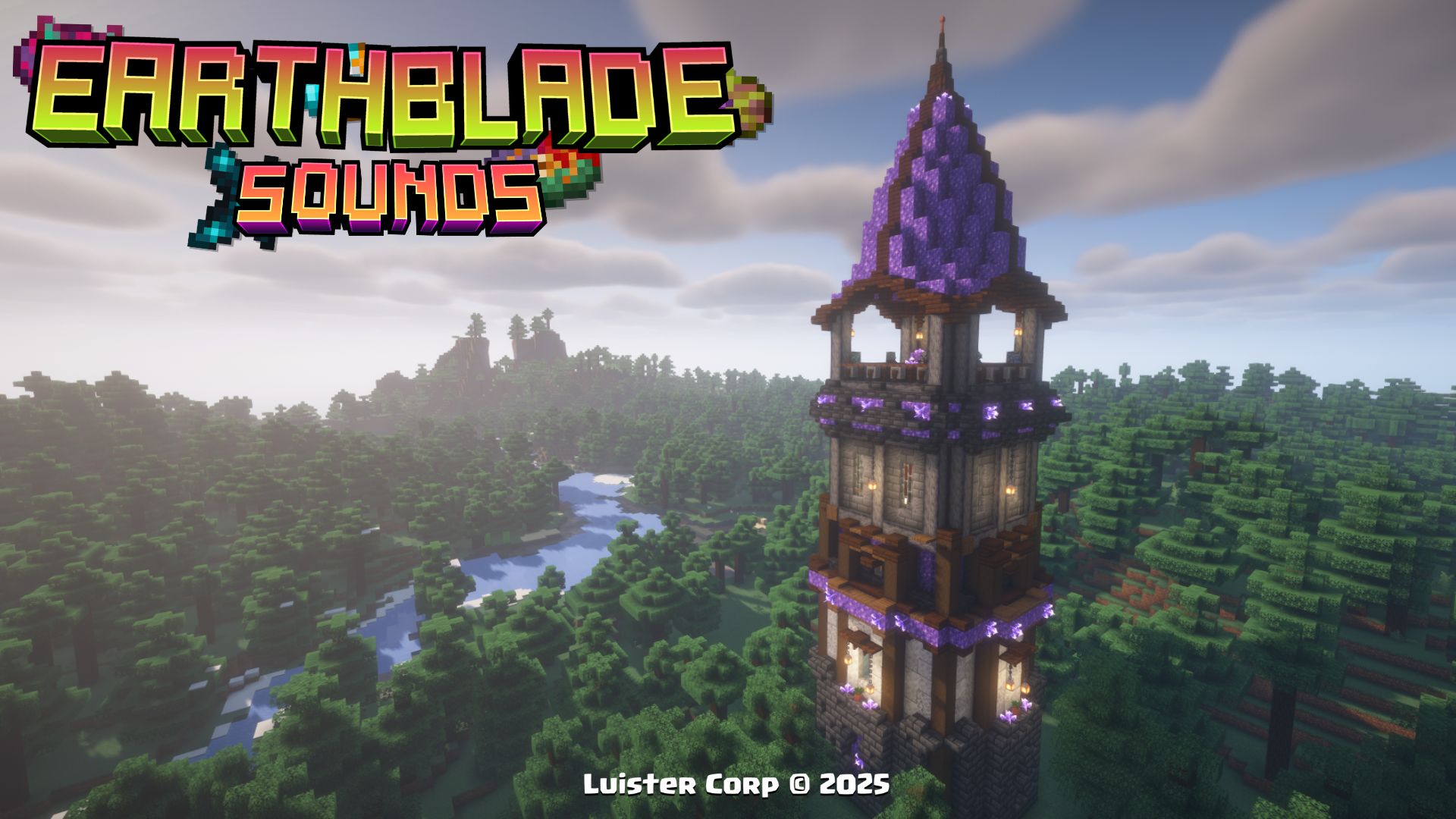
Amethyst Pillager Tower
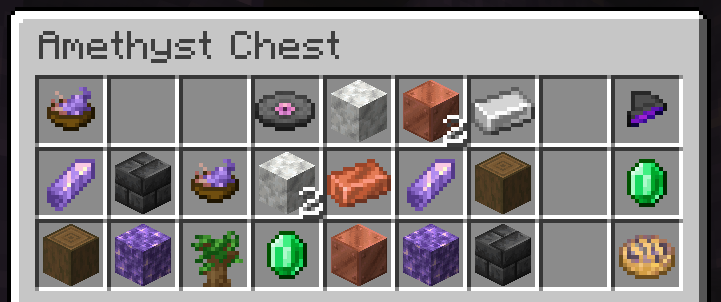
The Amethyst Pillager Tower it can appear in taiga biomes, along with its own custom loot table, and has multiple explorable floors with pillagers and vindicators!
The Amethyst Pillager Tower, is generated in Taiga Biomes, if you want to locate it by commands use:
/locate structure luistercorp:amethyst_tower
 Promotional Image:
Loot Table:
Biome Generation List:
[

"minecraft:taiga"

"minecraft:old_growth_pine_taiga"

"minecraft:old_growth_spruce_taiga"

],
Amethyst House
The Amethyst House it can appear in birch biomes, along with its own customized loot table, multiple pillagers inhabit it.
The Amethyst House, is generated in Birch Biomes, if you want to locate it by commands use:
/locate structure luistercorp:amethyst_house
Promotional Image:
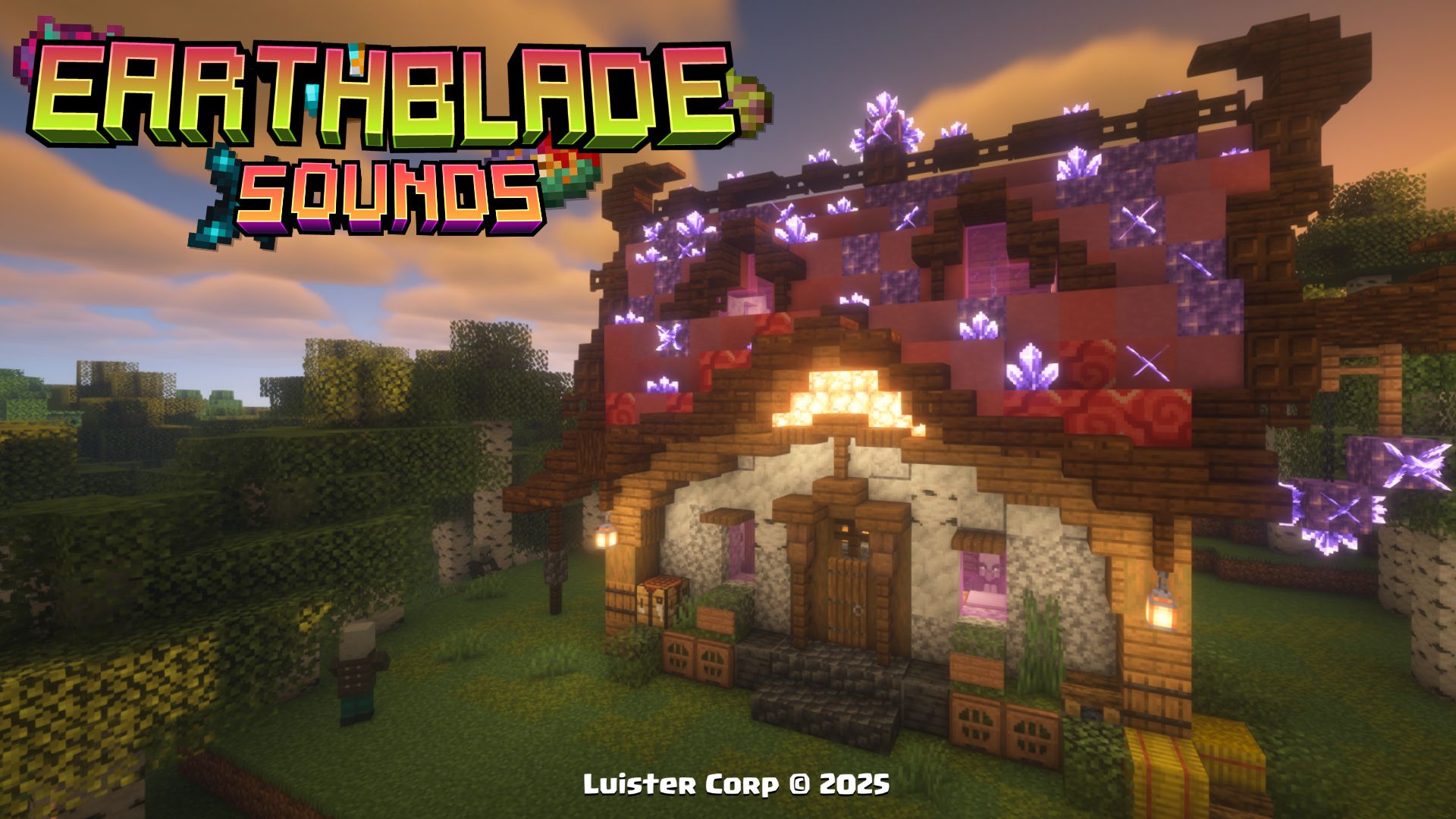
Loot Table:
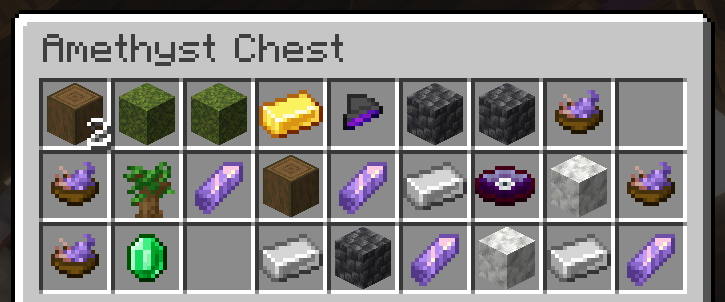
Biome Generation List:
[

"minecraft:birch_forest"

"minecraft:old_growth_birch_forest"

],
Sacrifice Cube
The Sacrifice Cube is the most common Datapack structure every 400 to 500 blocks apart in multiple Overworlds biomes.
The Sacrifice Cube, is generated in all Overworld Biomes, if you want to locate it by commands use:
/locate structure luistercorp:magic_cube
 Promotional Image:
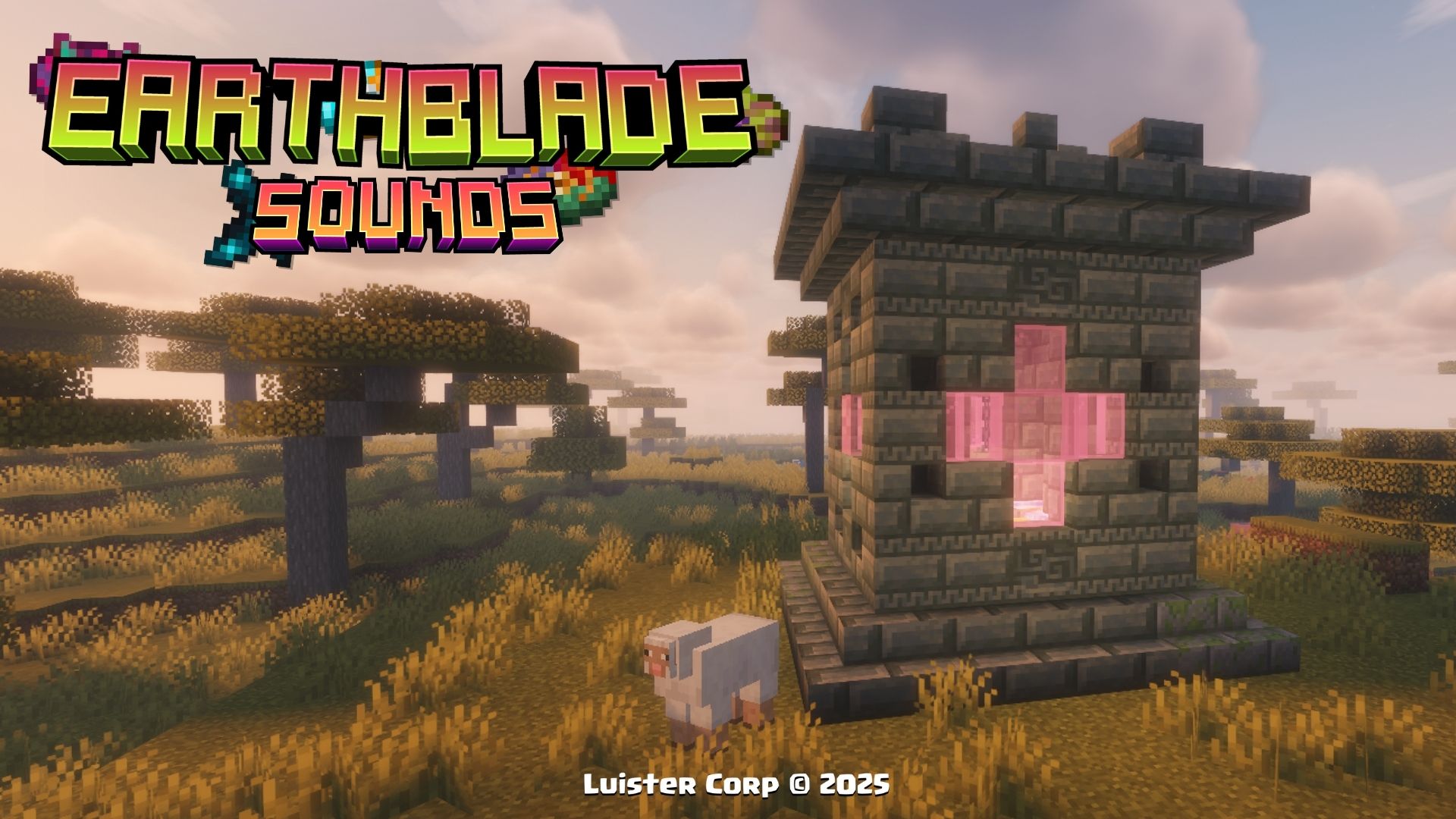
Loot Table:
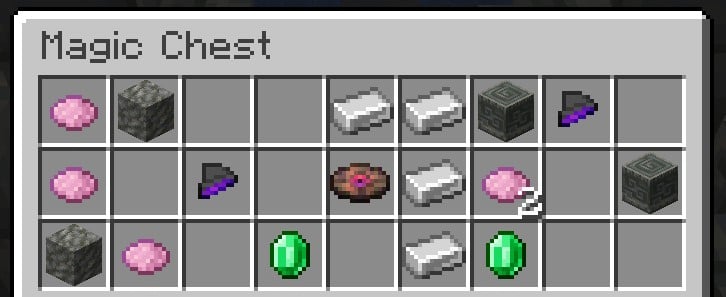
Biome Generation List:
[

"minecraft:is_overworld"

],
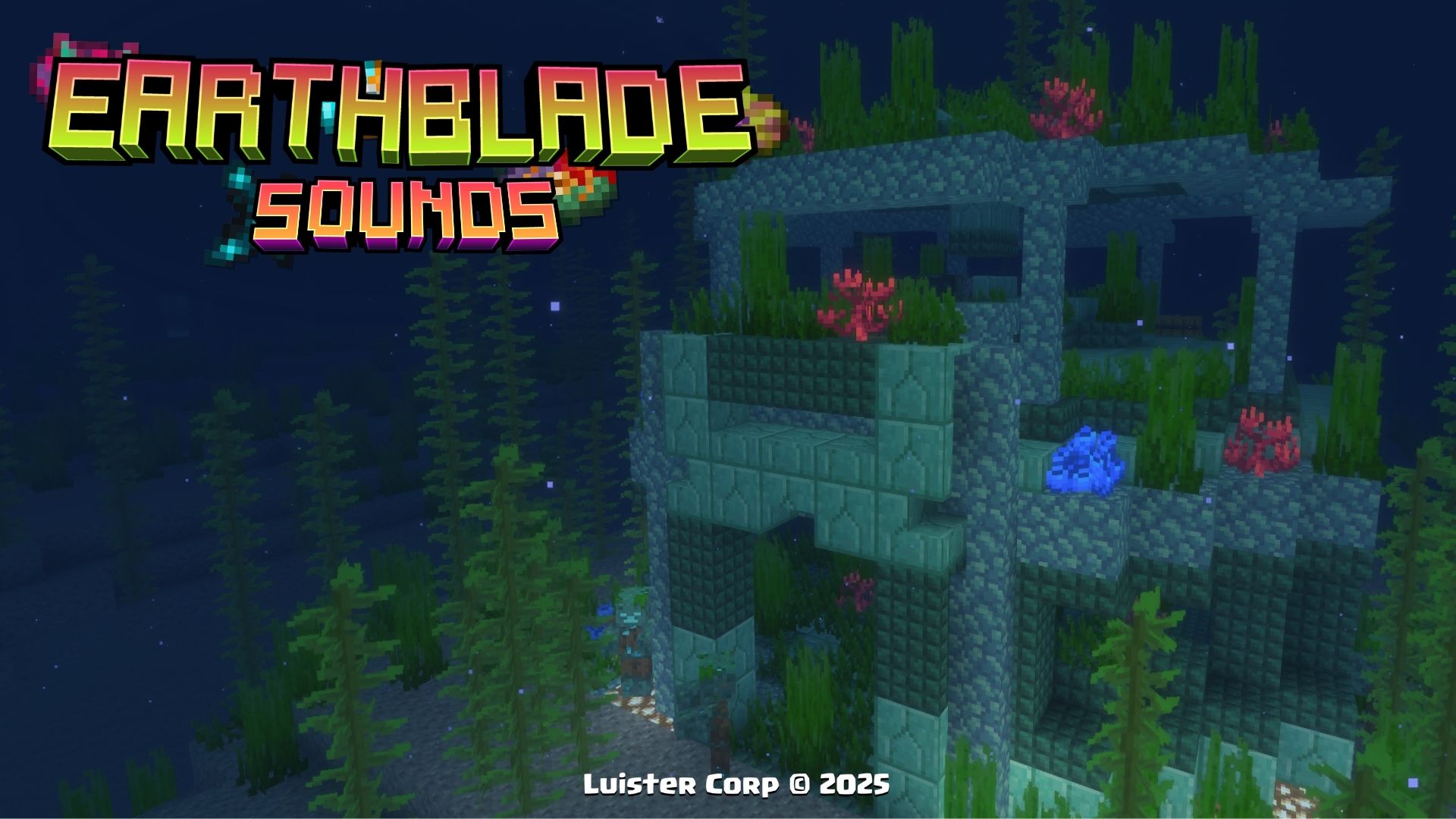
Prismarine Temple
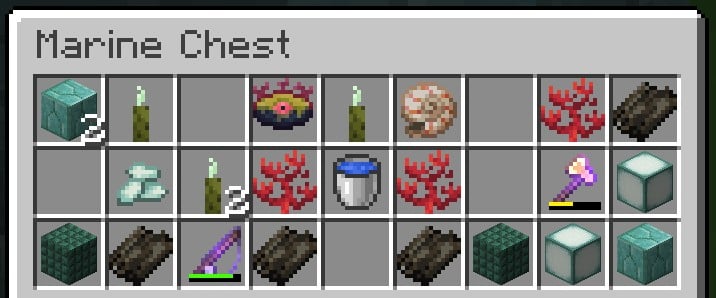
The Temple of Prismarine can appear in the Marine Biomes at a depth of 25 blocks underwater, along with its own perzonalized loot.
The Temple of Prismarine, is generated in all Marine Biomes, if you want to locate it by commands use:
/locate structure luistercorp:prismarine_temple
 Promotional Image:
Loot Table:
 Biome Generation List:
[

"minecraft:deep_ocean",

"minecraft:ocean",

"minecraft:warm_ocean",

"minecraft:lukewarm_ocean"

"minecraft:deep_lukewarm_ocean"

],
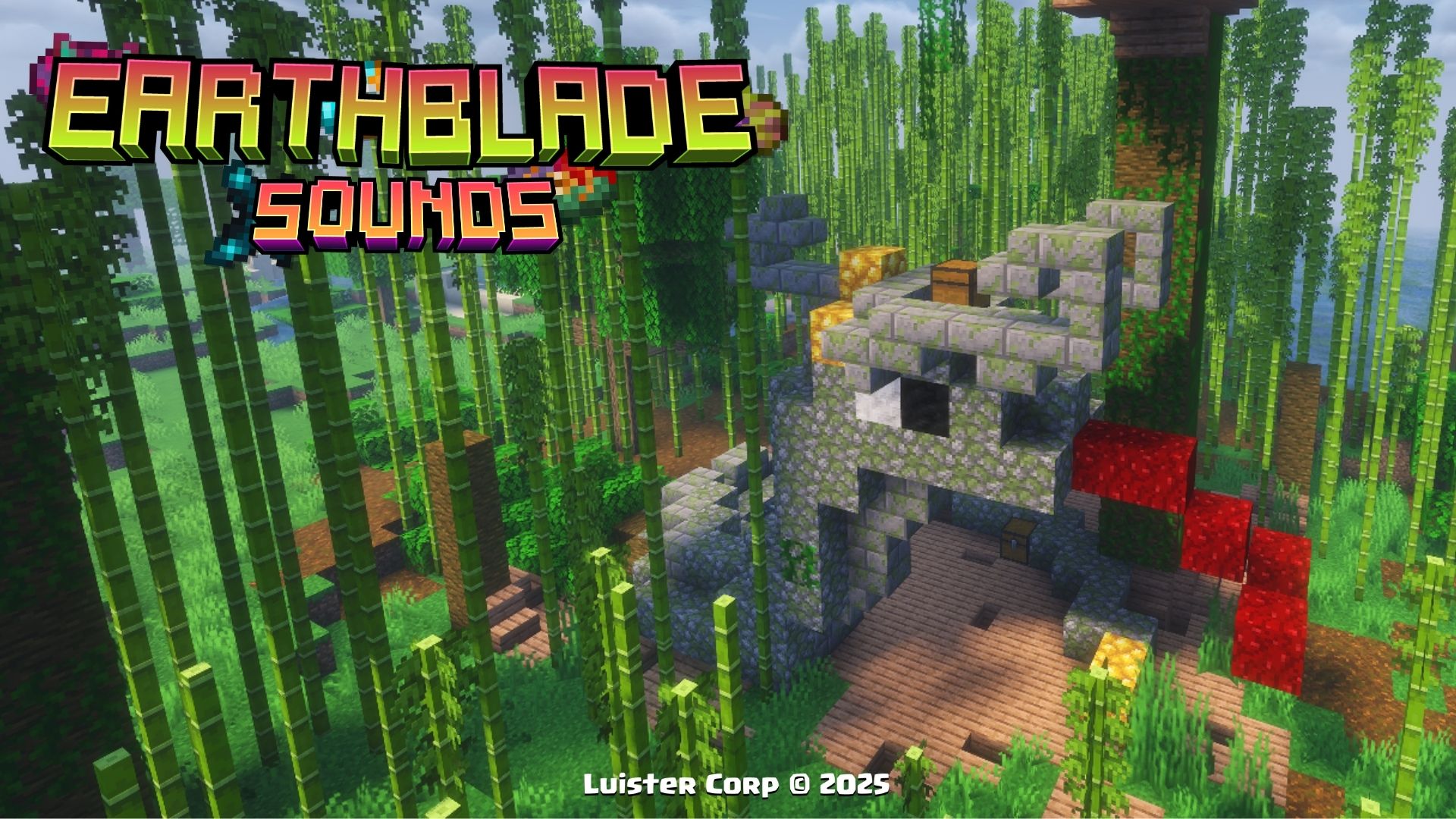
Snake Tribute
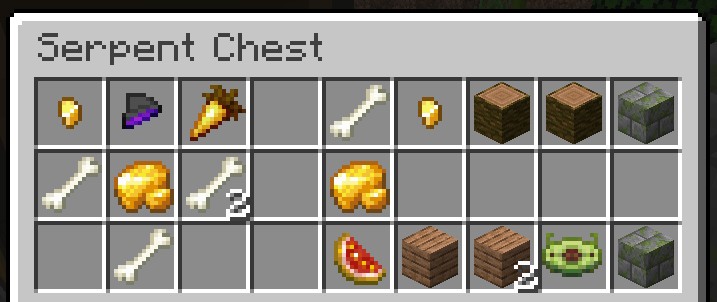
The Snake Tribute can appear in the Jungle Biomes, along with its own perzonalized loot.
The Snake Tribute, is generated in all jungle variations, if you want to locate it by commands use:
/locate structure luistercorp:snake_tribute
 Promotional Image:
Loot Table:
 Biome Generation List:
[

"minecraft:jungle",

"minecraft:bamboo_jungle",

"minecraft:sparse_jungle",

],
Illager Vault
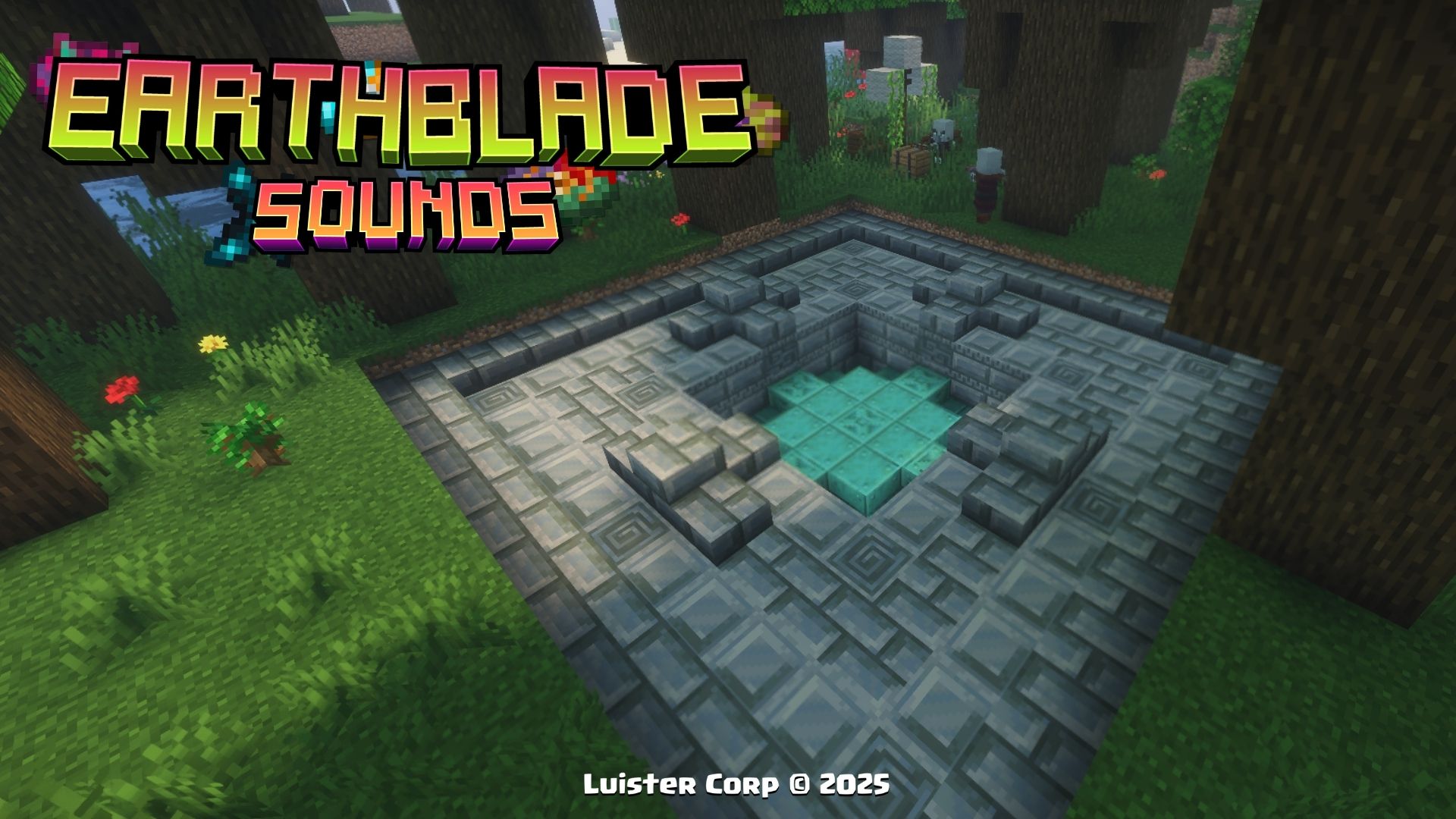
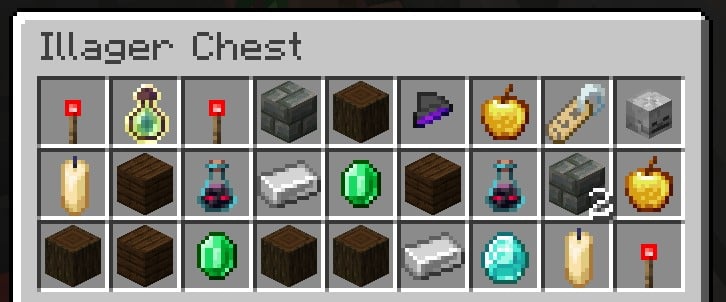
The Illager Vault can appear only in the Dark Forest and inside you can find 4 New Items, along with its own perzonalized loot.
The Illager Vault, is generated in Dark Forest, if you want to locate it by commands use:
/locate structure luistercorp:vault_illager
 Promotional Image:
Loot Table:
Biome Generation List:
[

"minecraft:dark_forest",

],
Dragonfly
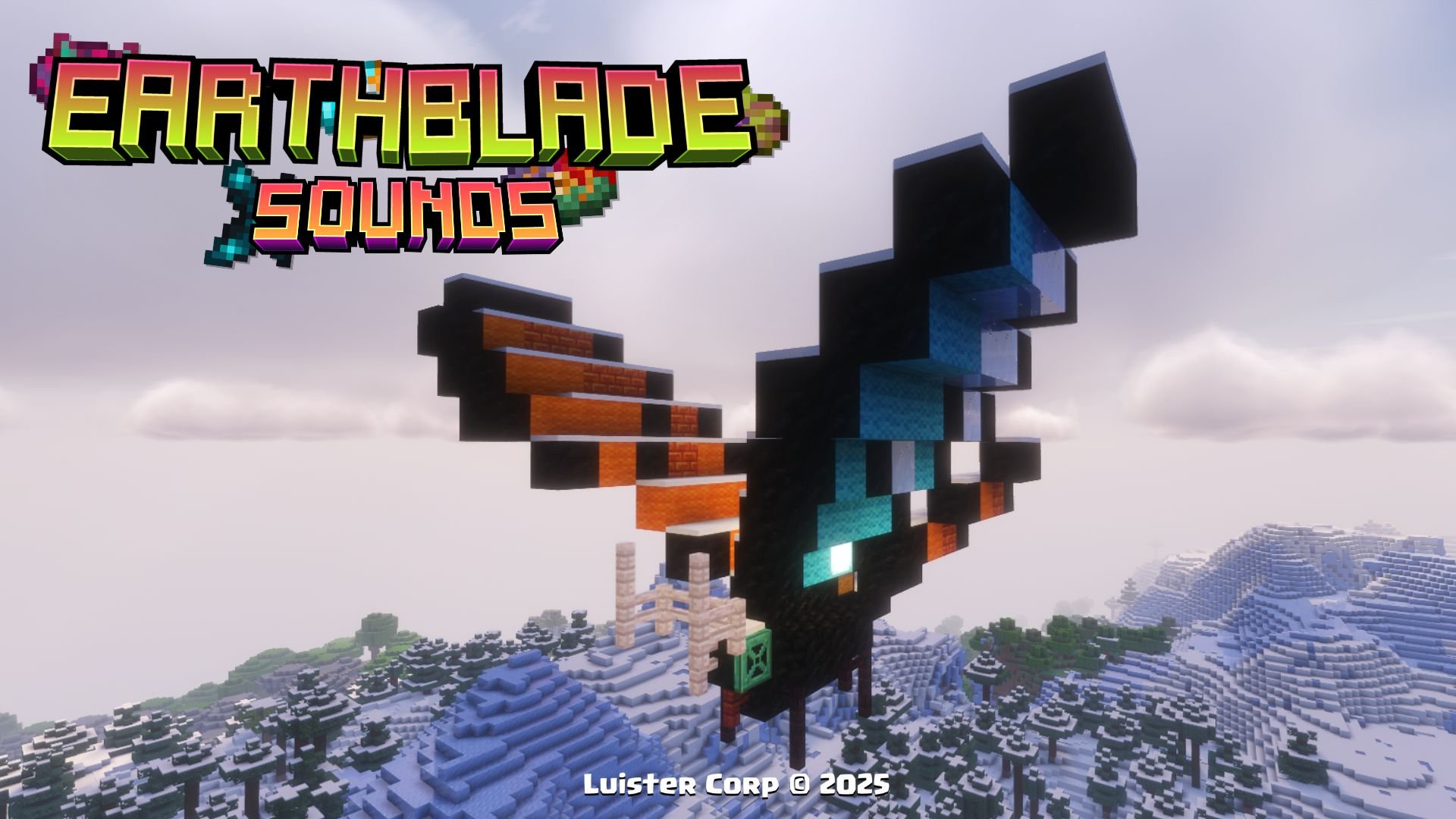
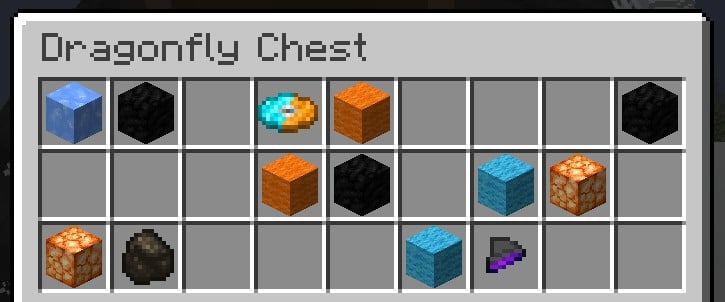
The DragonFly can only appear in the Frozen biomes, at a height of 45 blocks above the ground, along with its own perzonalized loot.
The DragonFly, is generated in the heights, if you want to locate it by commands use:
/locate structure luistercorp:dragonfly
 Promotional Image:
Loot Table:
 Biome Generation List:
[

"minecraft:snowy_slopes",

"minecraft:grove",

"minecraft:jagged_peaks",

"minecraft:frozen_peaks"

],
More Soon...
New's Items ✨ (Nuevos Items)
Wild Berries
To get Wild Berries, can be found only in new mangrove structures
Promotional Image:
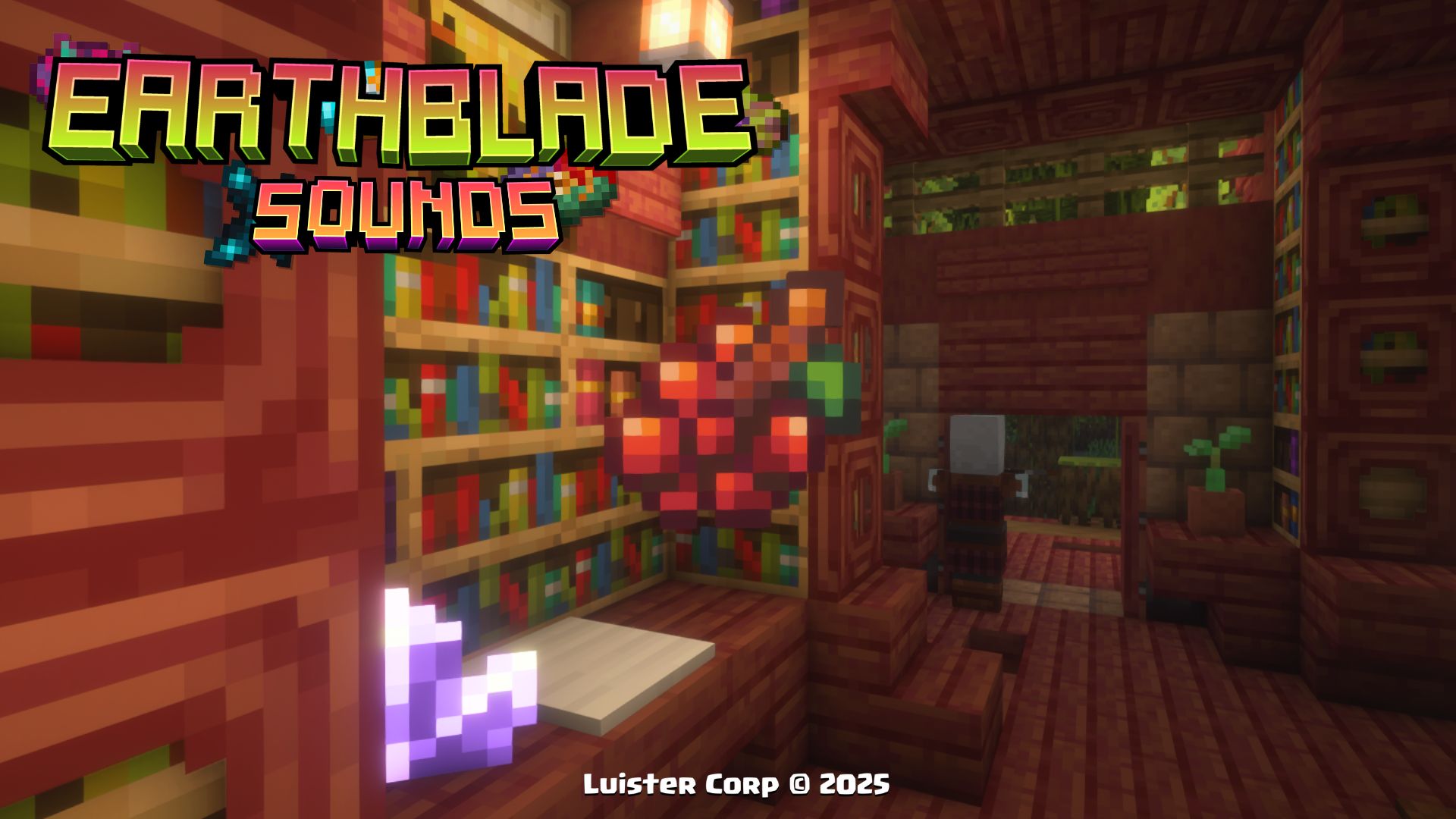
 Effects to be consumed:
minecraft:saturation (00:05 duration)
Dry Roots
To get Dry Roots, can be found only in new mangrove structures
Promotional Image:
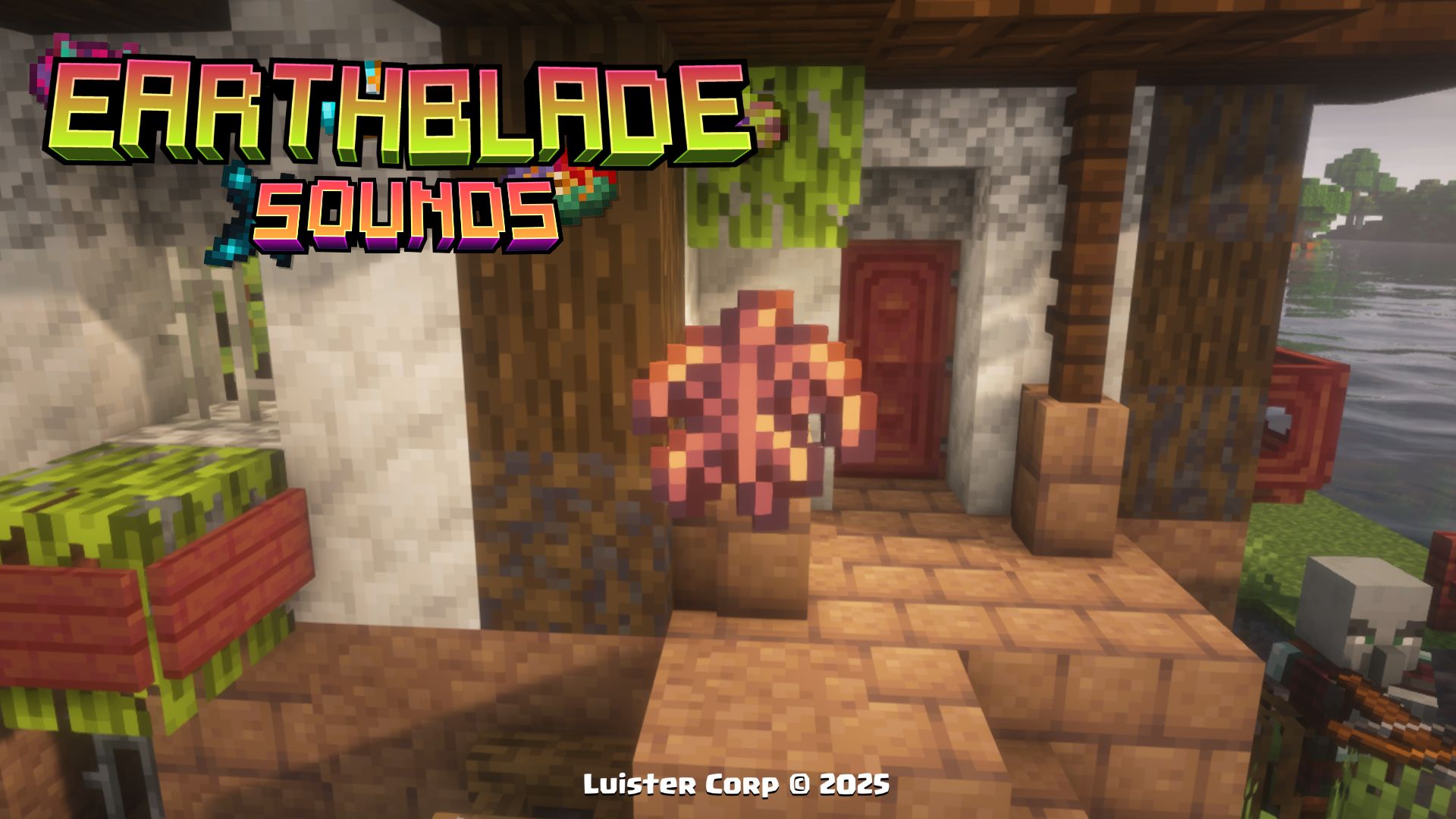 Not Effects to be consumed
Yucca
To get Yucca, can be found only in new mangrove structures
Promotional Image:
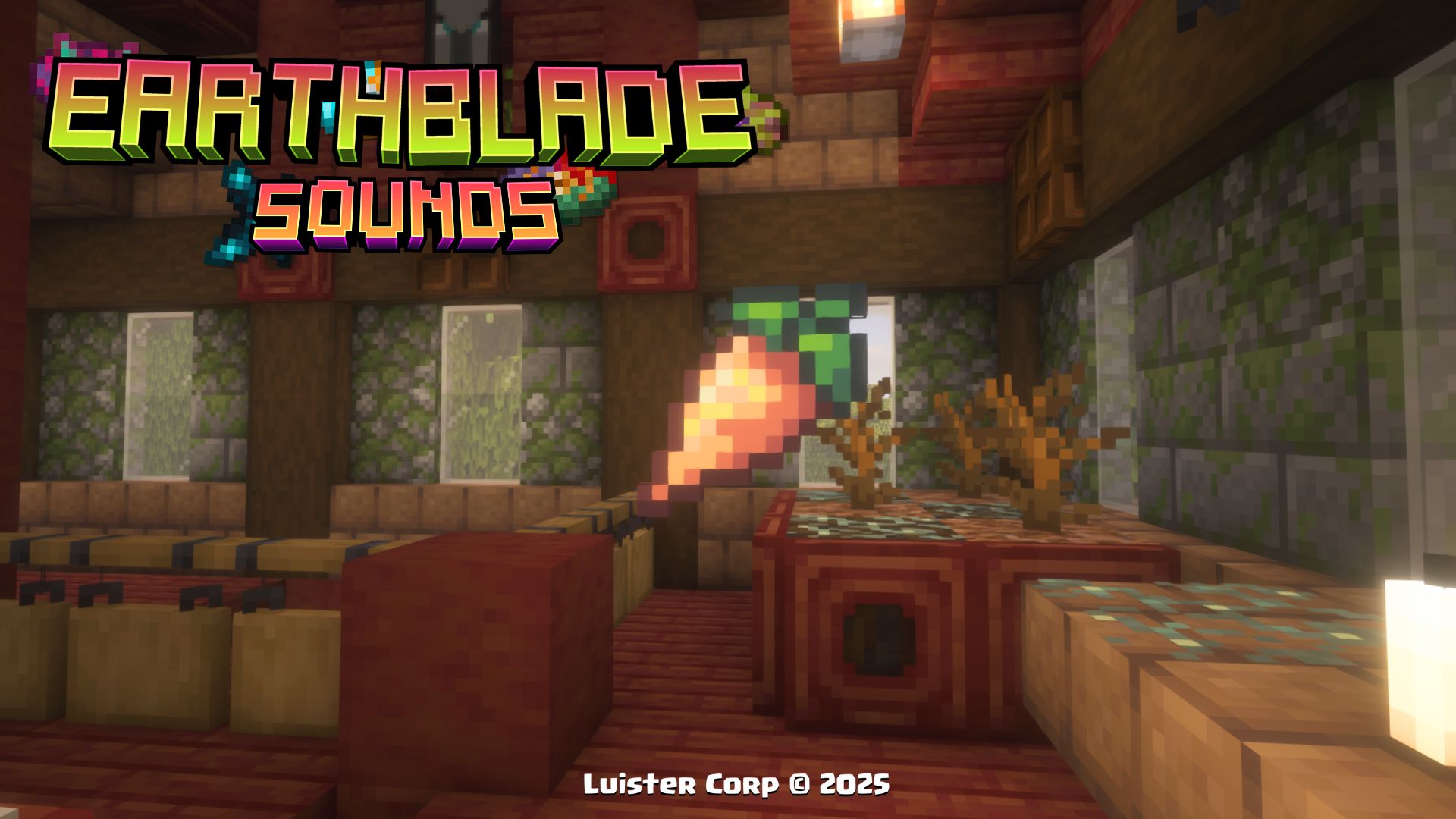
Effects to be consumed:
minecraft:resistence (00:10 duration)
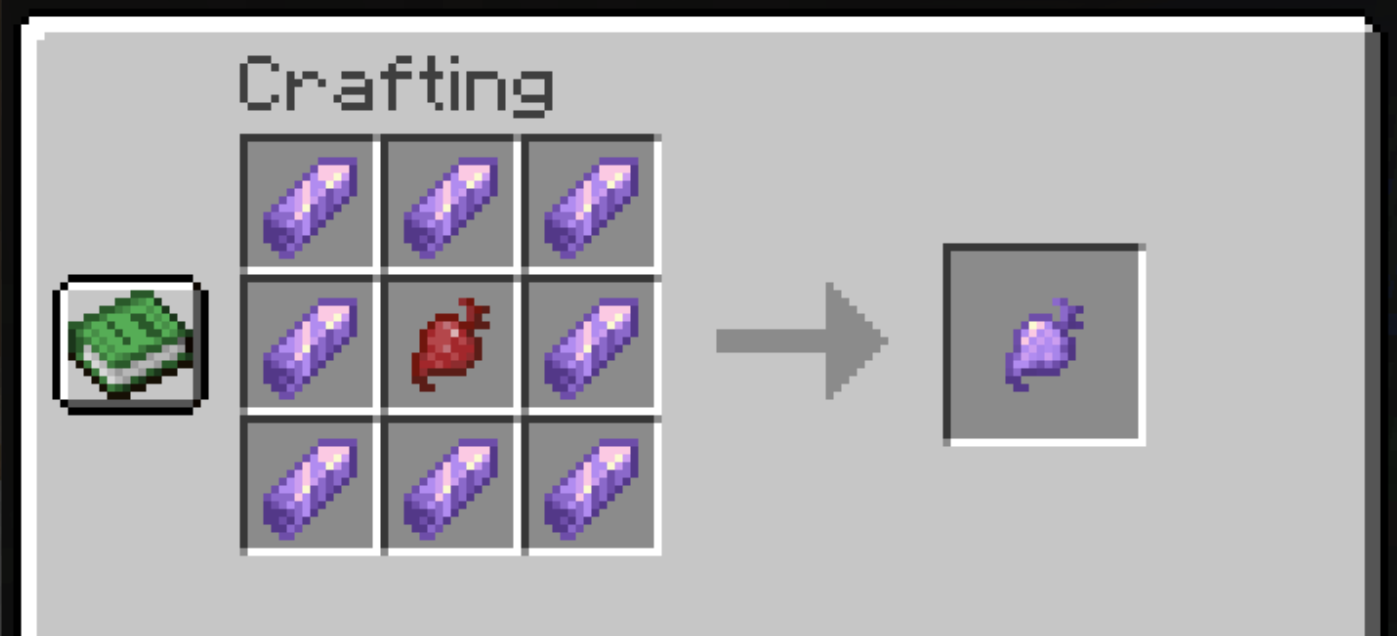
Crystallized Beetroot
To get Crystallized Beetroot, can be found in new amethyst structures or manufactured on a crafting table.
◾Crafting:
Promotional Image:
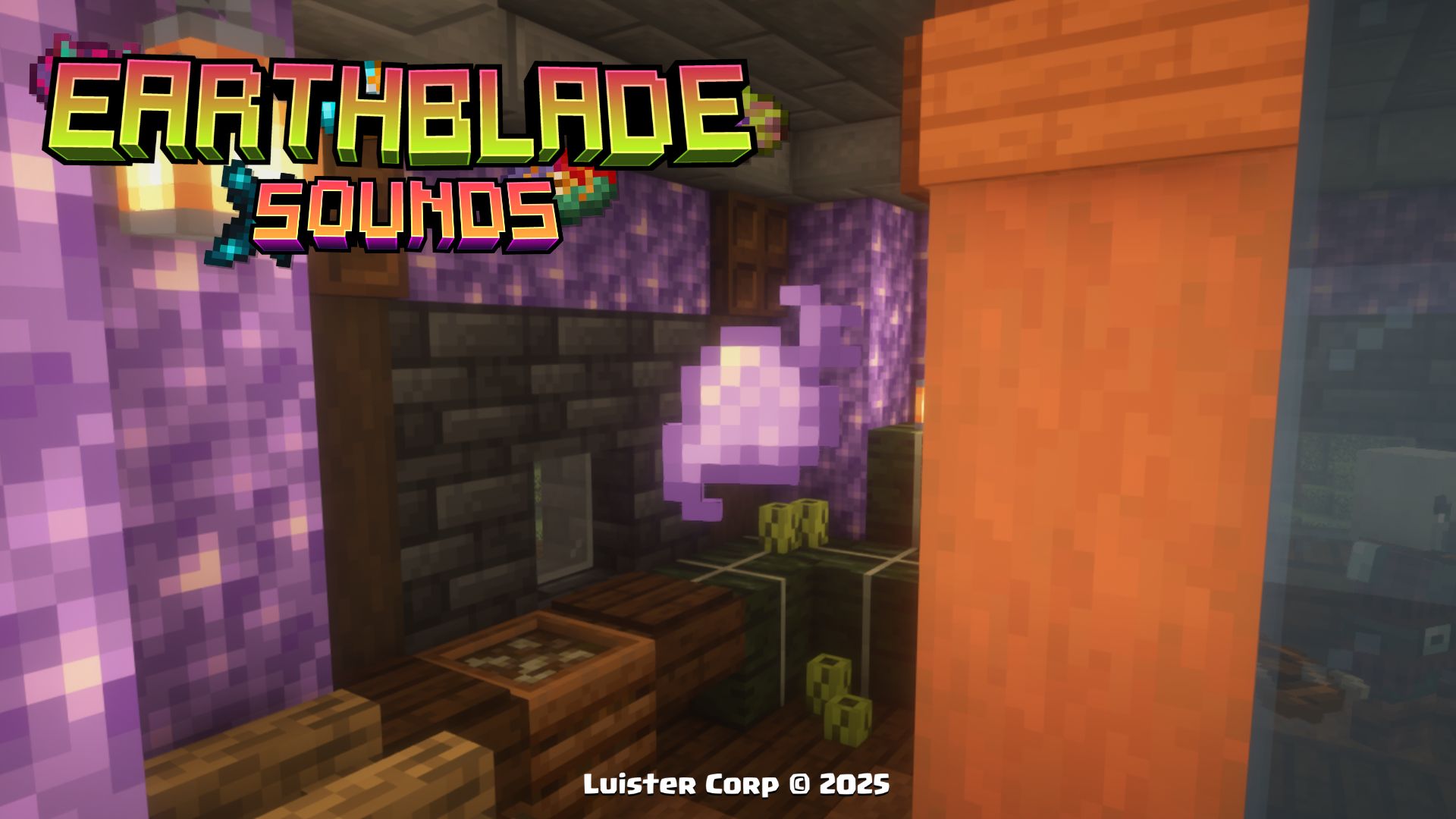
Effects to be consumed:
minecraft:regeneration (00:30 duration)
Beetroot Soup Crystallized
To get Beetroot Soup Crystallized, can be found only in new amethyst structures
Promotional Image:
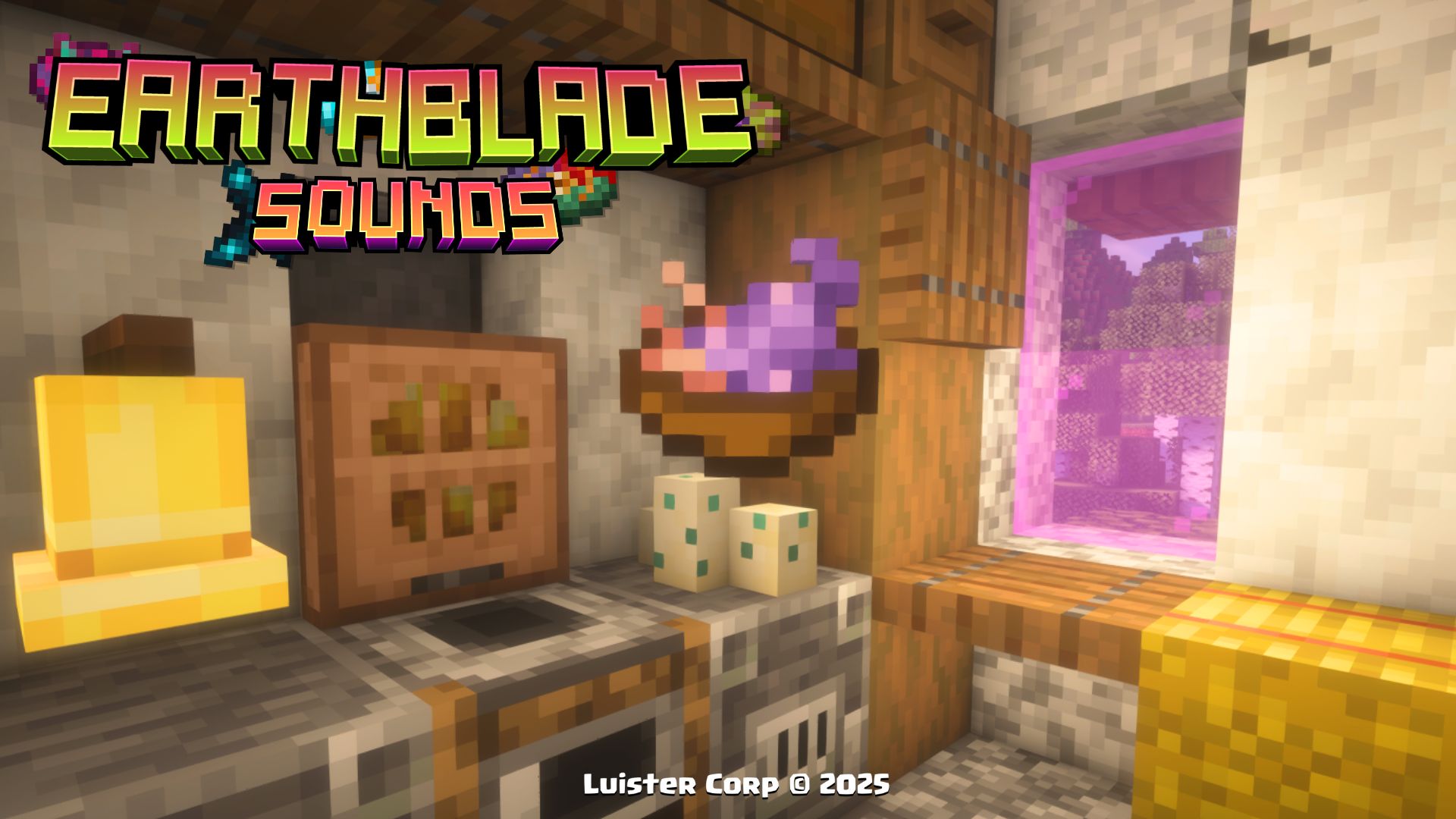
Effects to be consumed:
minecraft:regeneration (01:30 duration)
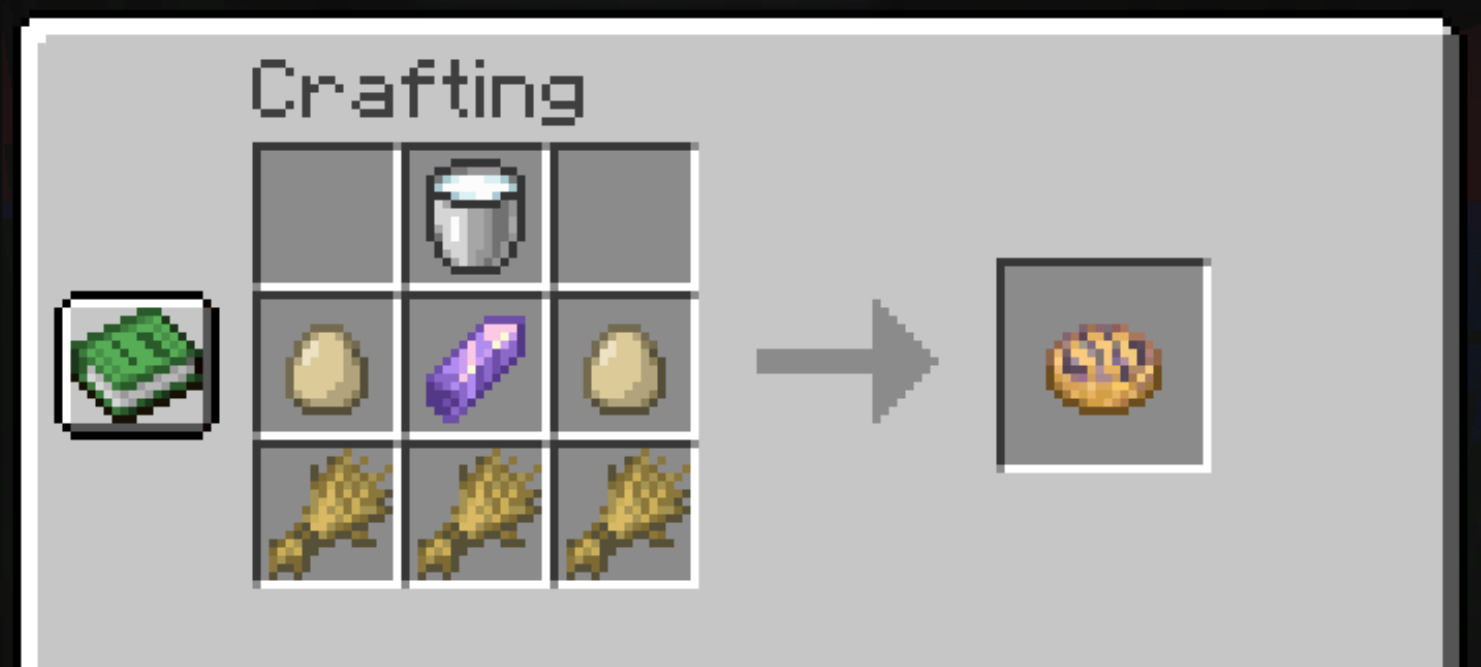
Amethyst Tart
To get Amethyst Tart, can be found in new amethyst structures or manufactured on a crafting table.**
◾Crafting:
Promotional Image:
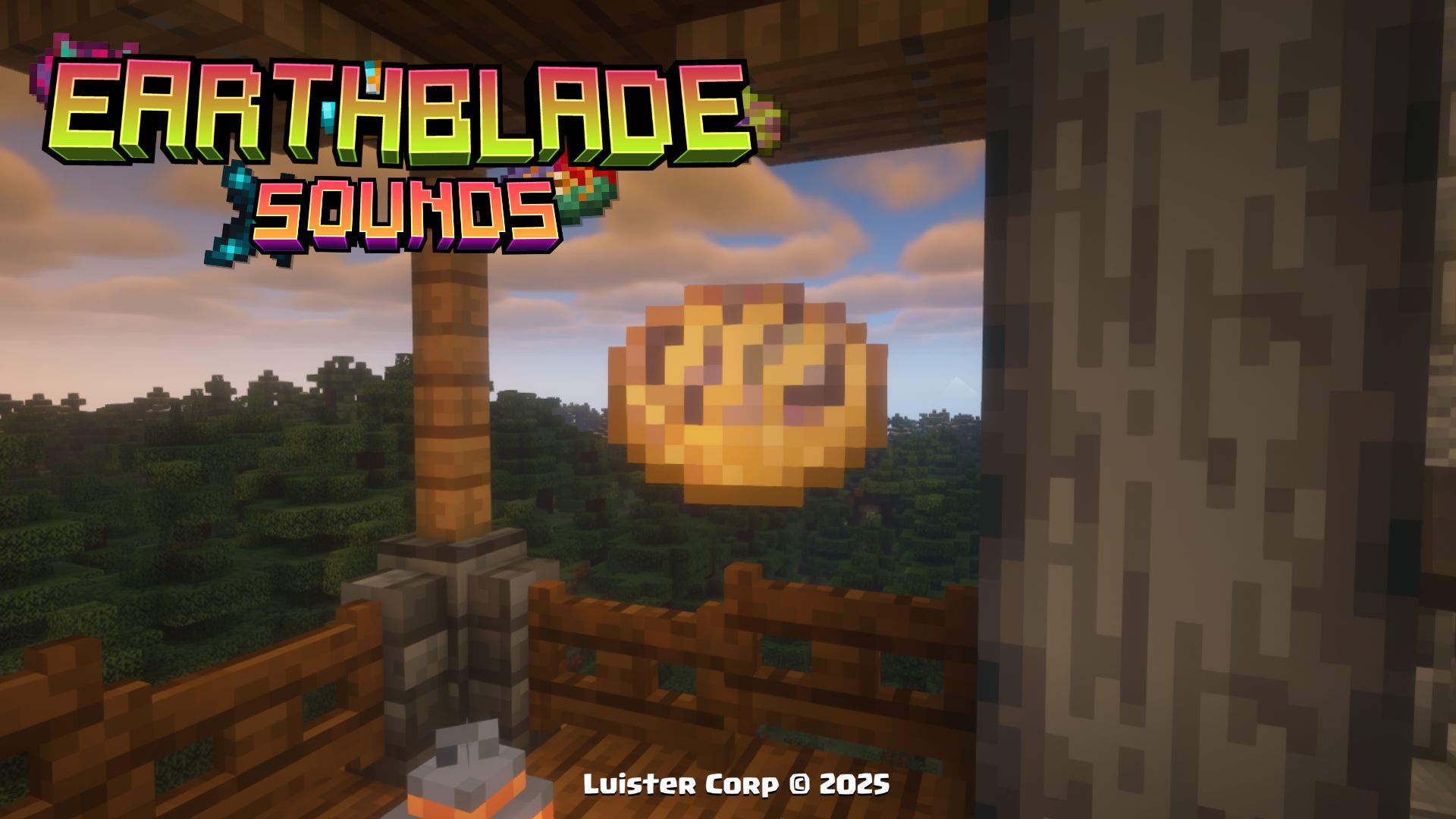
Effects to be consumed:
minecraft:crystallization (25% probability of performing)
Musical Fragment
To be able to craft our new music discs, you must first obtain a new type of music fragments, which can be found in new structures or manufactured on a crafting table.
◾Crafting:
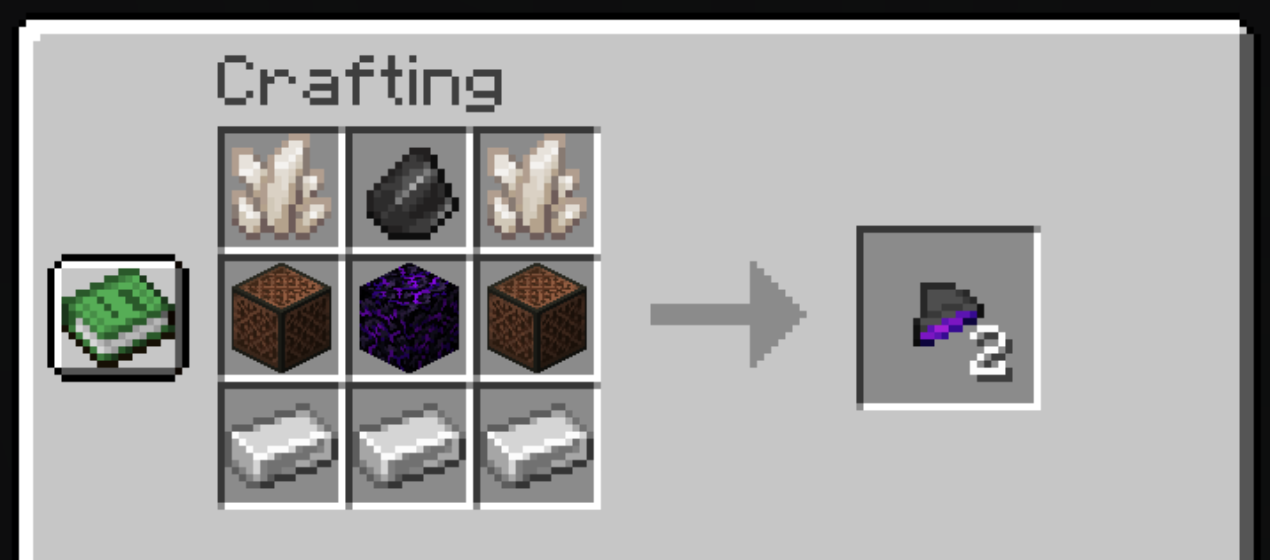
Promotional Image:
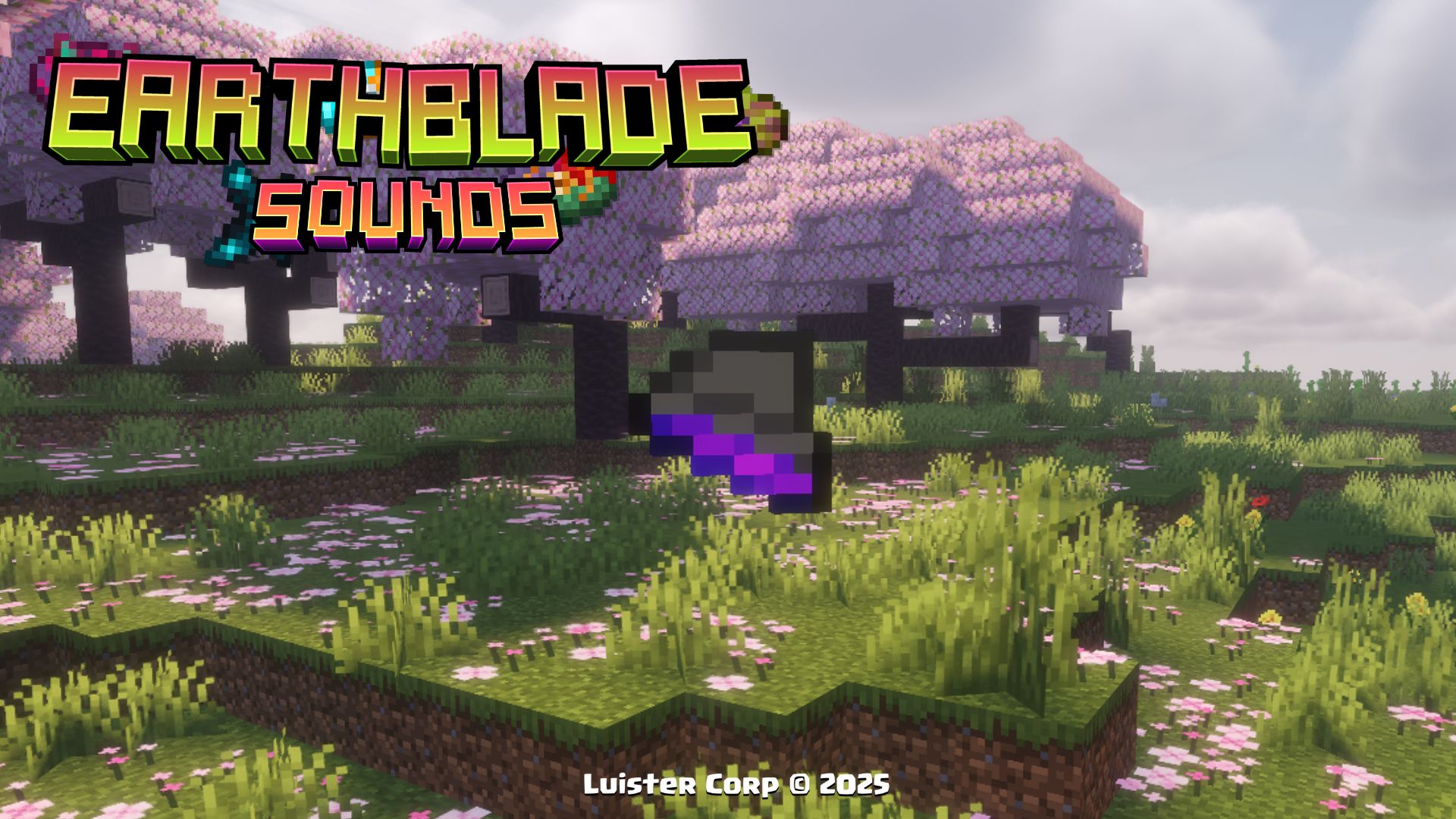
Notes to be Used:
- They can also be used to craft Disc 5 - Samuel Åberg
Disc Mold
In order to make it you will need the previous Musical Fragments, together with other materials that will help you to get the Disc mold, with which you will be able to makea portion of the new discs of this Datapack.
◾Crafting:
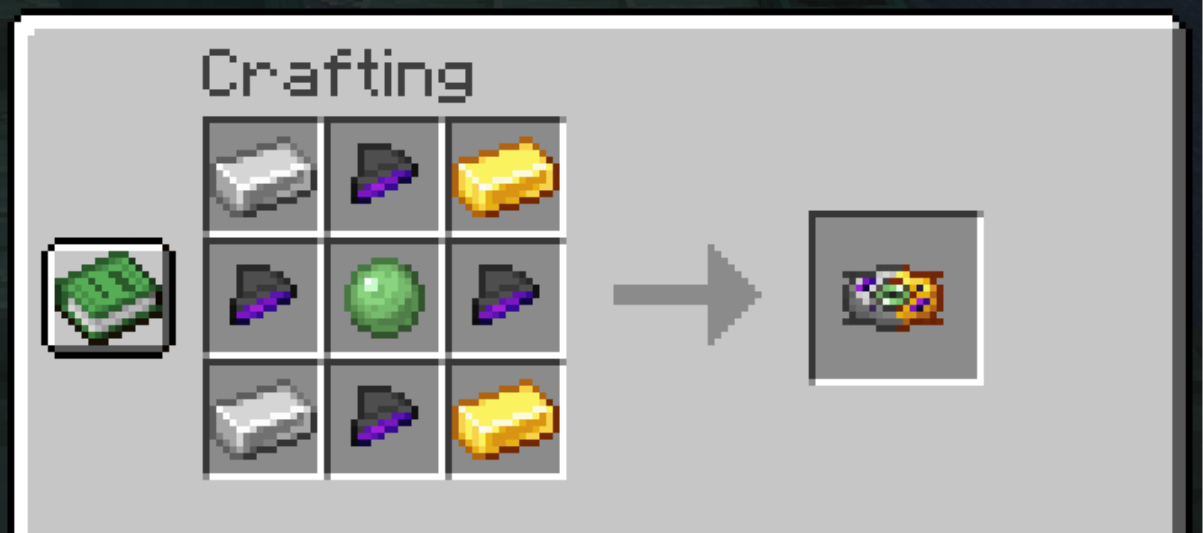
Promotional Image:
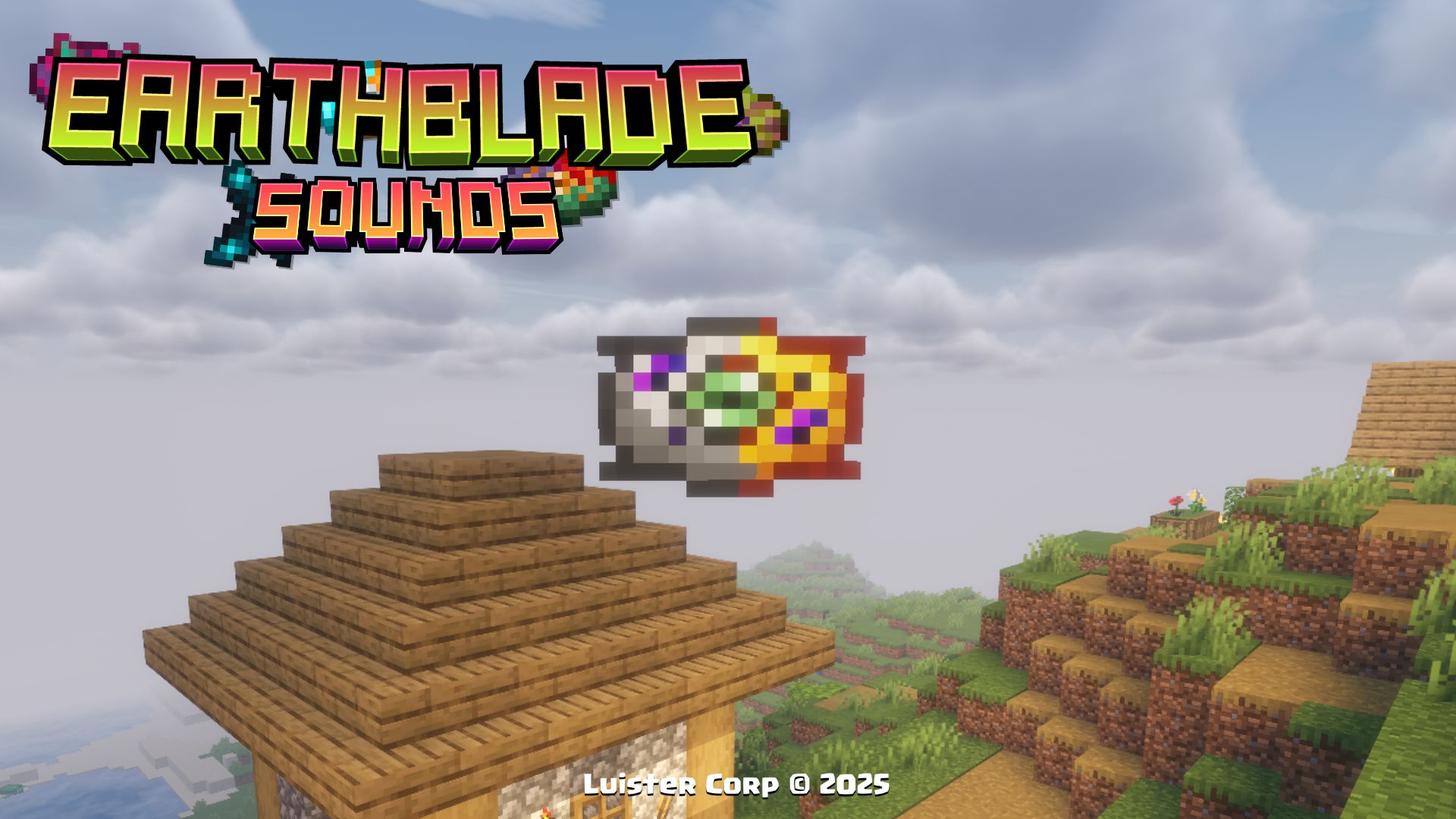
Notes to be Used:
- When playing the Disc Mold in a Jukebox, a distorted piano song will be heard
Cluster of Echoes
This mysterious cluster of echo fragments is only found inside the Illager Vault.
Promotional Image:
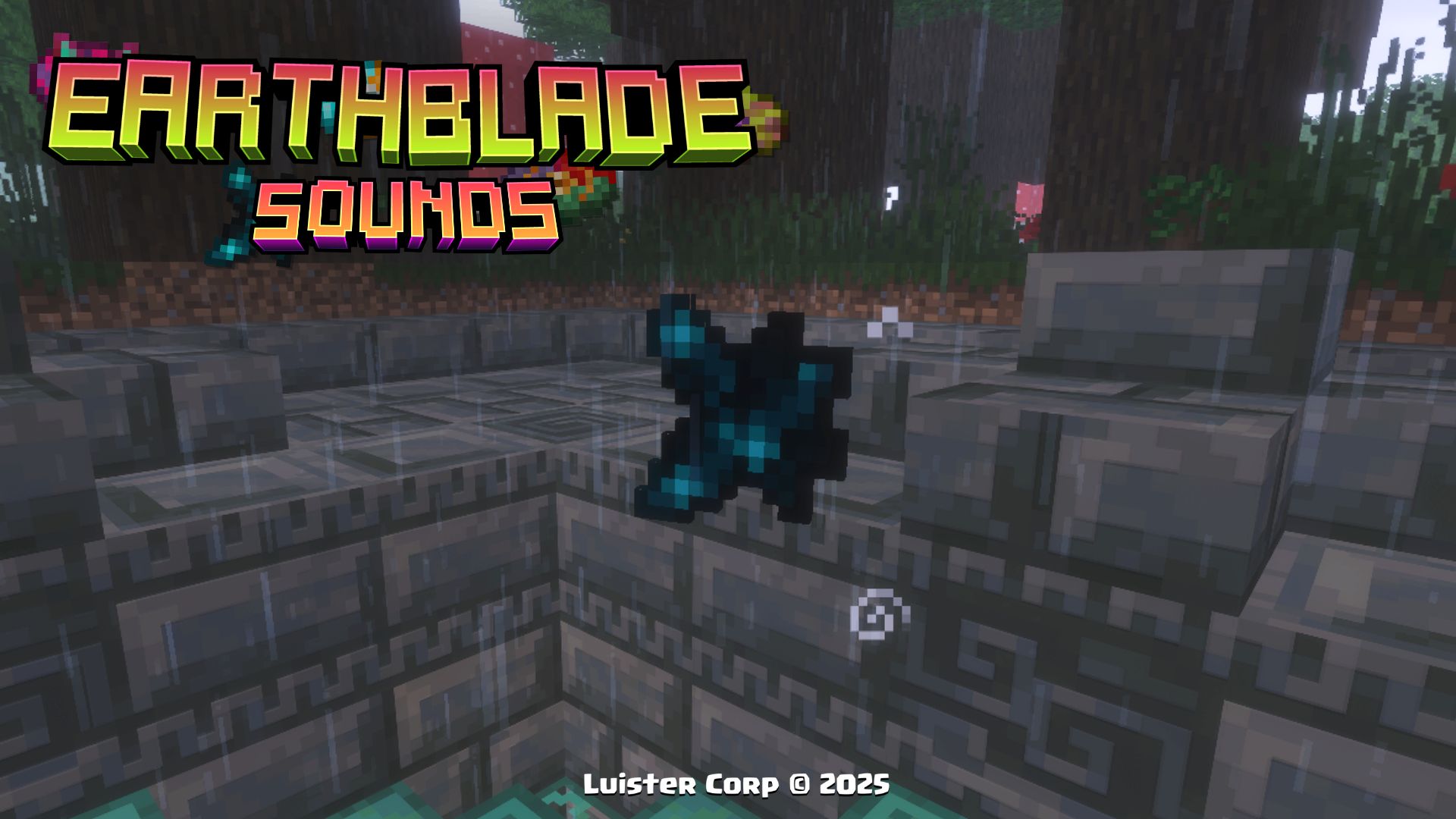
Notes to be Used:
- While you have the object in your hand (main or secondary), you will have the effect of Invisibility.
Explosive Totem
This variation of Totem, as its name indicates, leaves an explosion when used, is only found inside the Illager Vault.
Promotional Image:
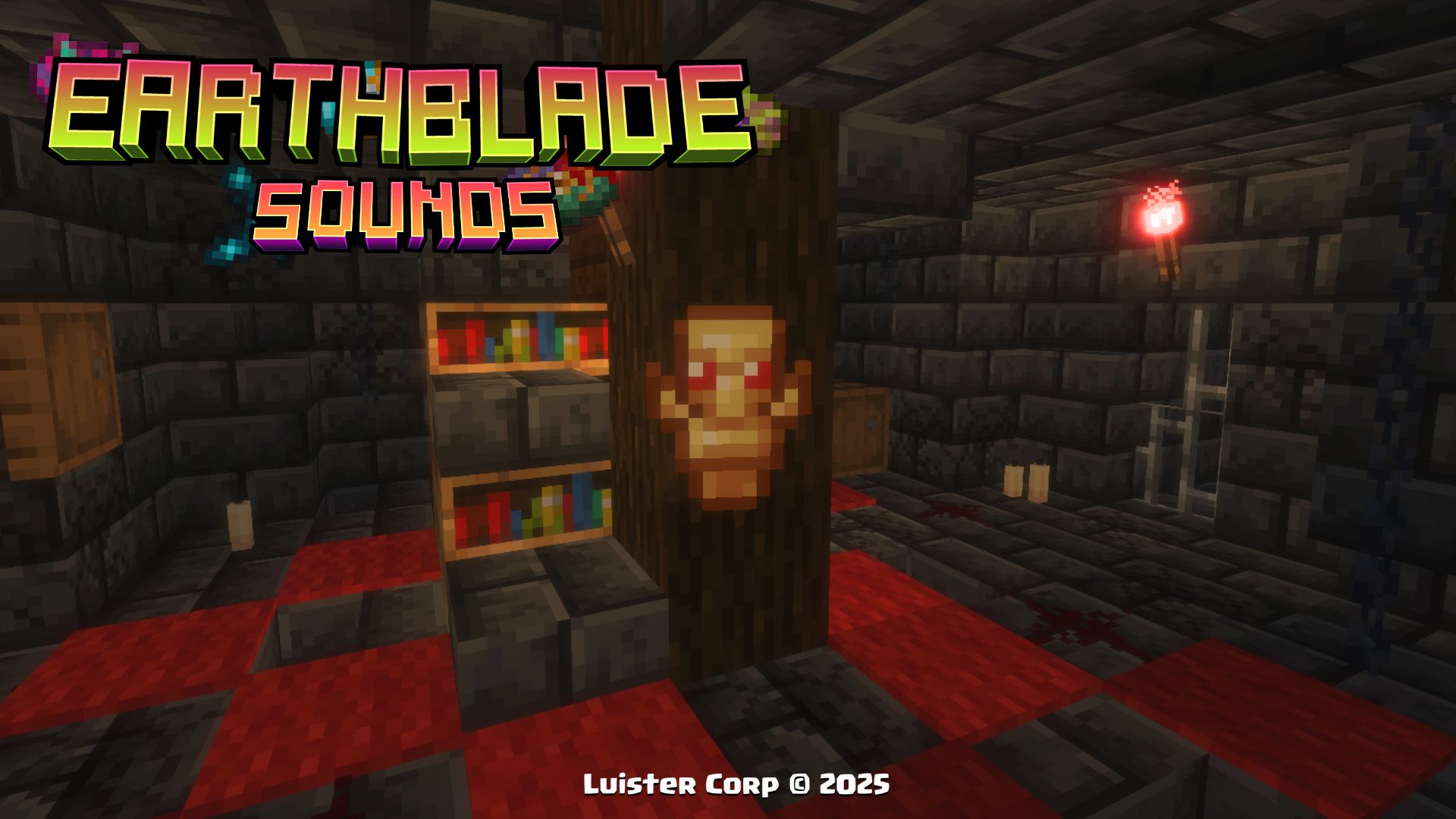
Notes to be Used:
-
Causes 3x3 area damage from the kill zone
-
It has no recoil, but it does have particles
Amethyst Horn
This Goat Horn is an ancient variant with a war sound from Valhalla, is only found inside the Illager Vault.
Promotional Image:
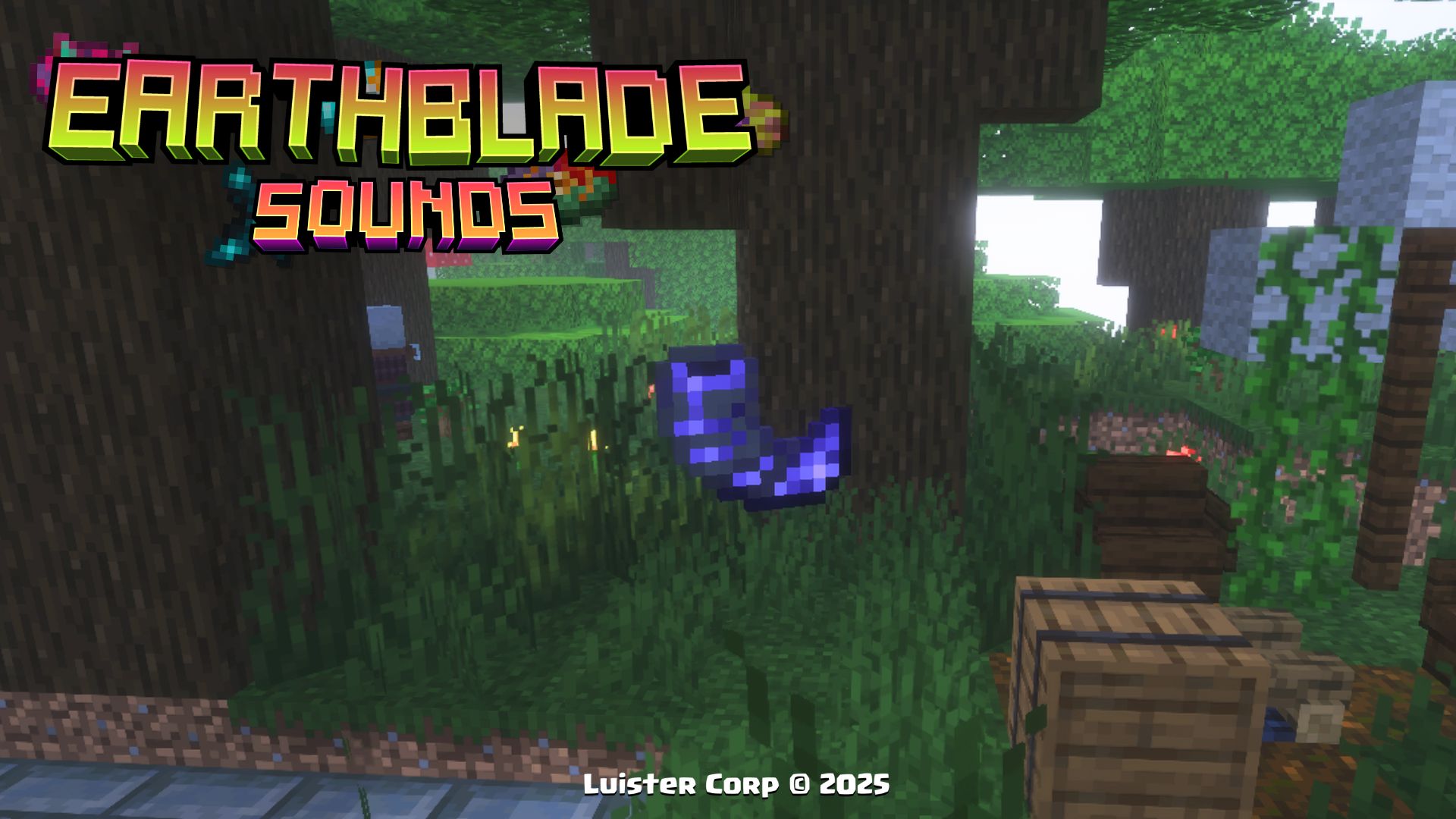
Notes to be Used:
- You get the advancement by playing the horn sound
Strange Gem
This Strange Gem is an ancient variant of amethyst, found only inside the Amethyst Pillager Tower.
Promotional Image:
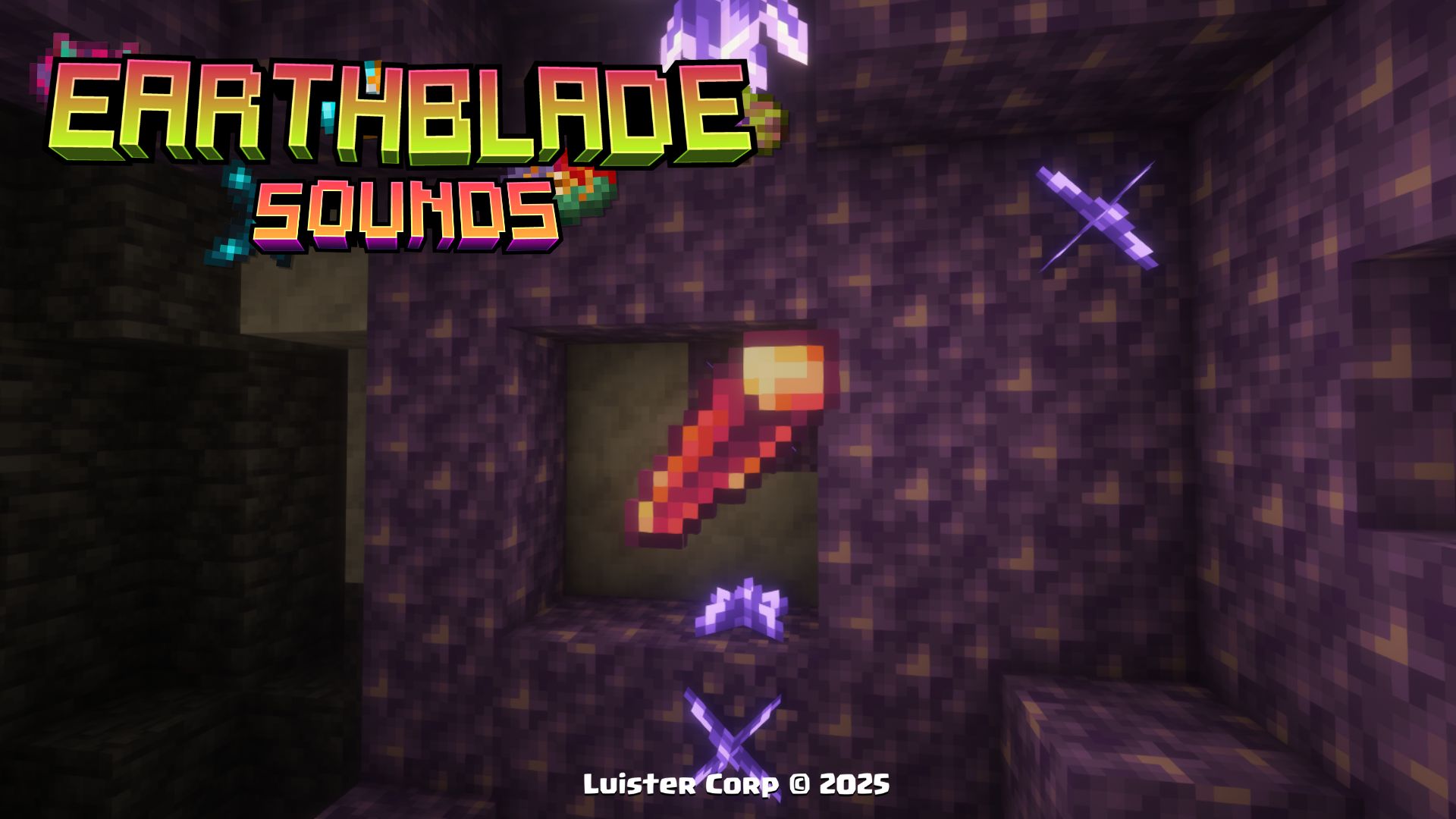
Notes to be Used:
- You get the advancement by obtain
Pickaxe of Antiquity
This Pickaxe of Antiquity is an ancient variant of diamond pickaxe, found only inside the Mangrove Root Refuge.
Promotional Image:
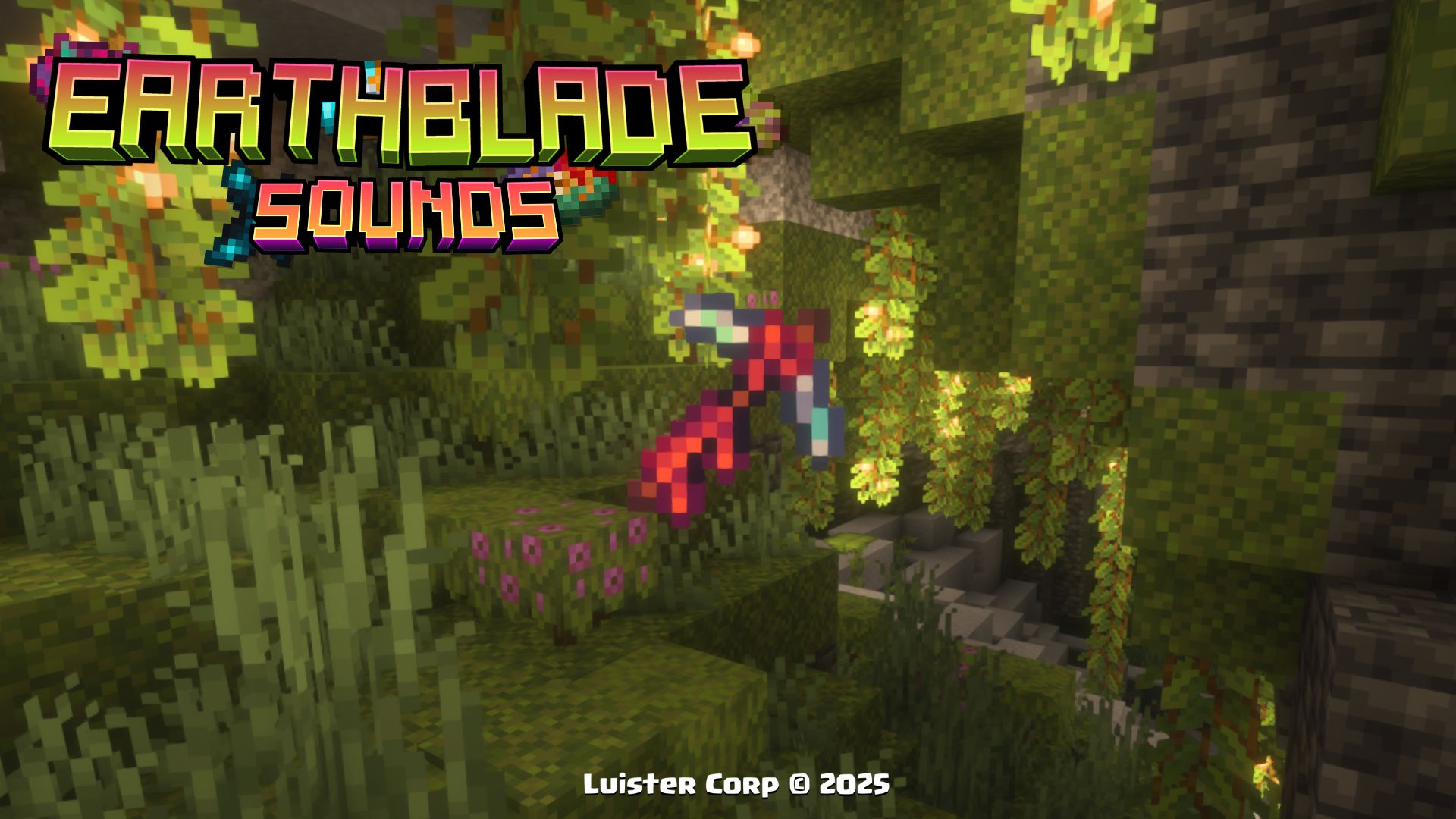
Notes to be Used:
- You get the advancement by obtain
More Soon...
Music Discs 🥏 (Discos de Música)
Lena Raine - First Steps
◾Crafteo (Crafting):
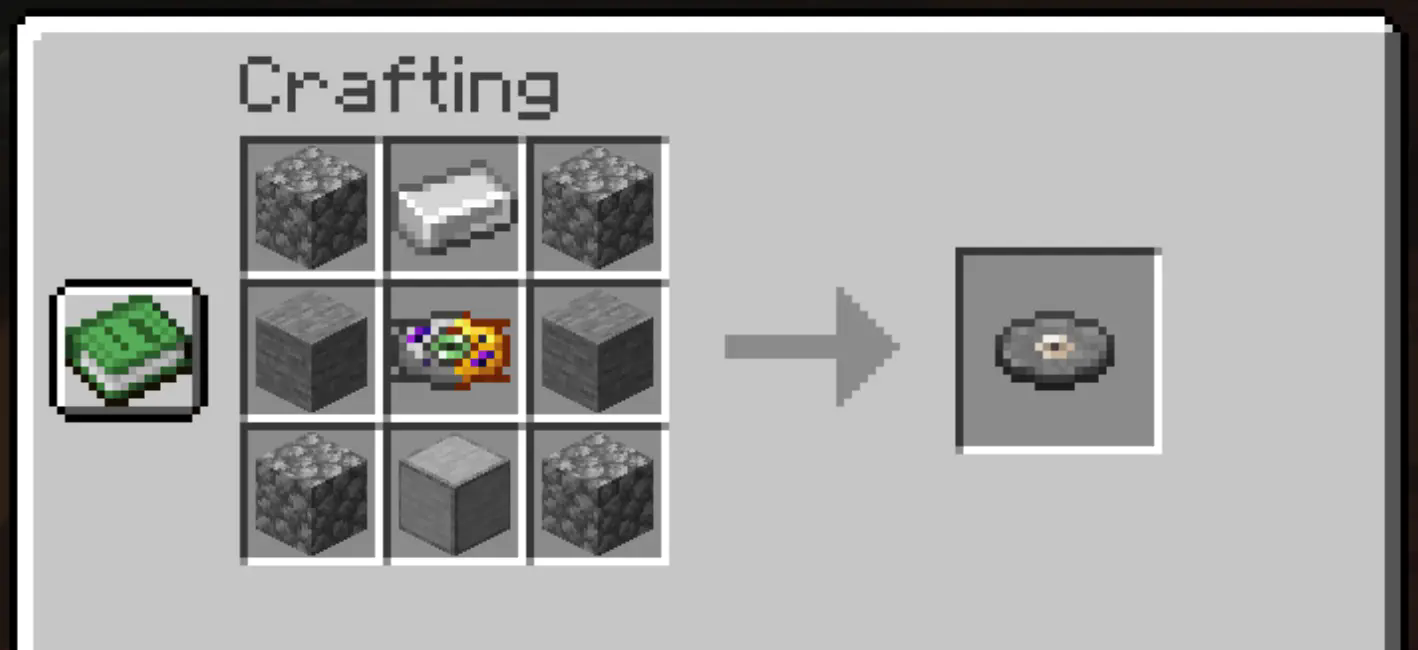
◽Ingredientes (Ingredients):
- Cobblestone x4
- Iron Ingot x1
- Stone x2
- Disc Mold x1
- Smooth Stone x1
💠Música y Artista (Music and Artist):
By: Lena Raine
Lena Raine - Awake
🎨Diseño (Design):
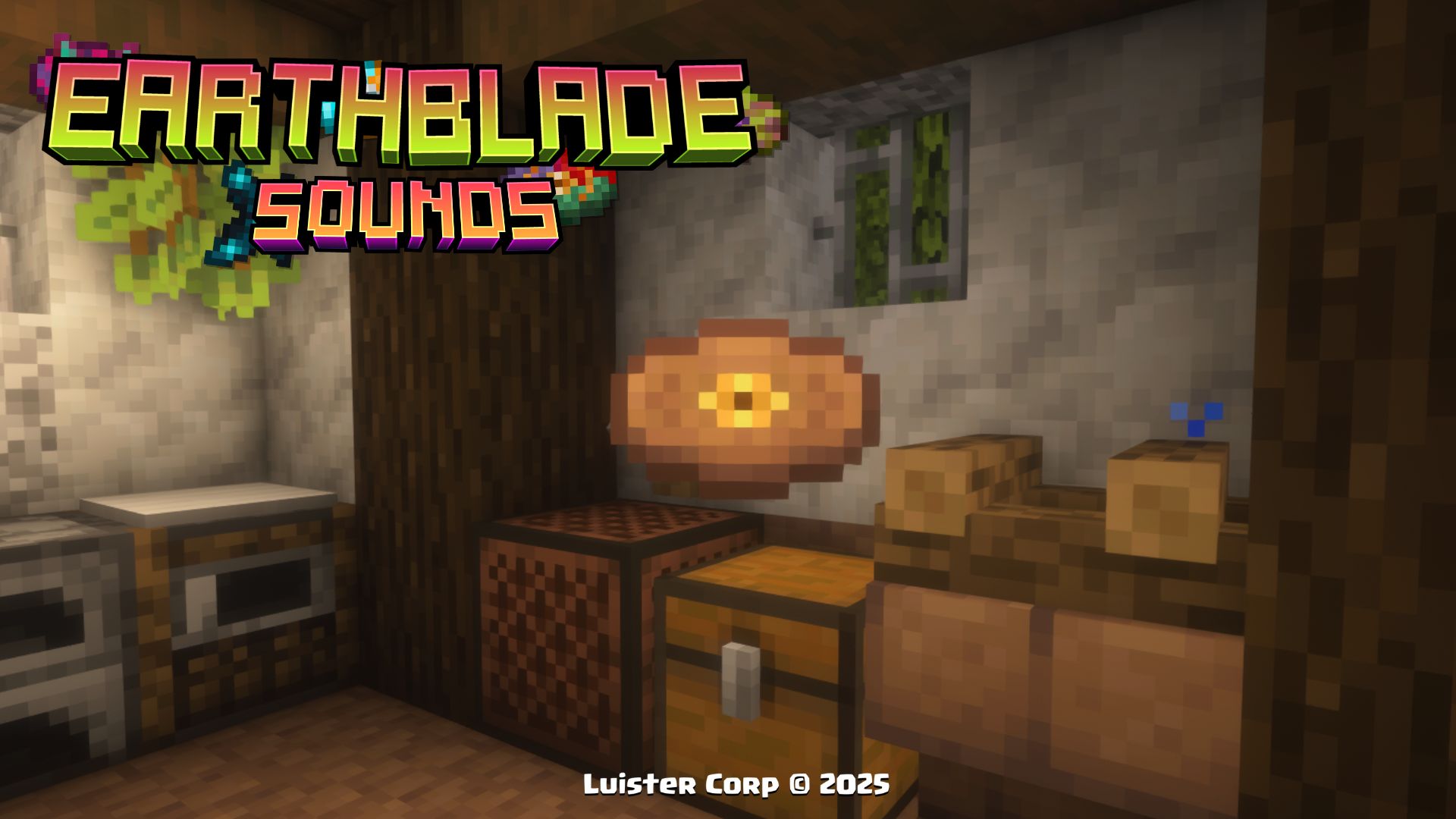
◽Encontrable (Find It)
💠Música y Artista (Music and Artist):
By: Lena Raine
Lena Raine - Reflection
◾Crafteo (Crafting):
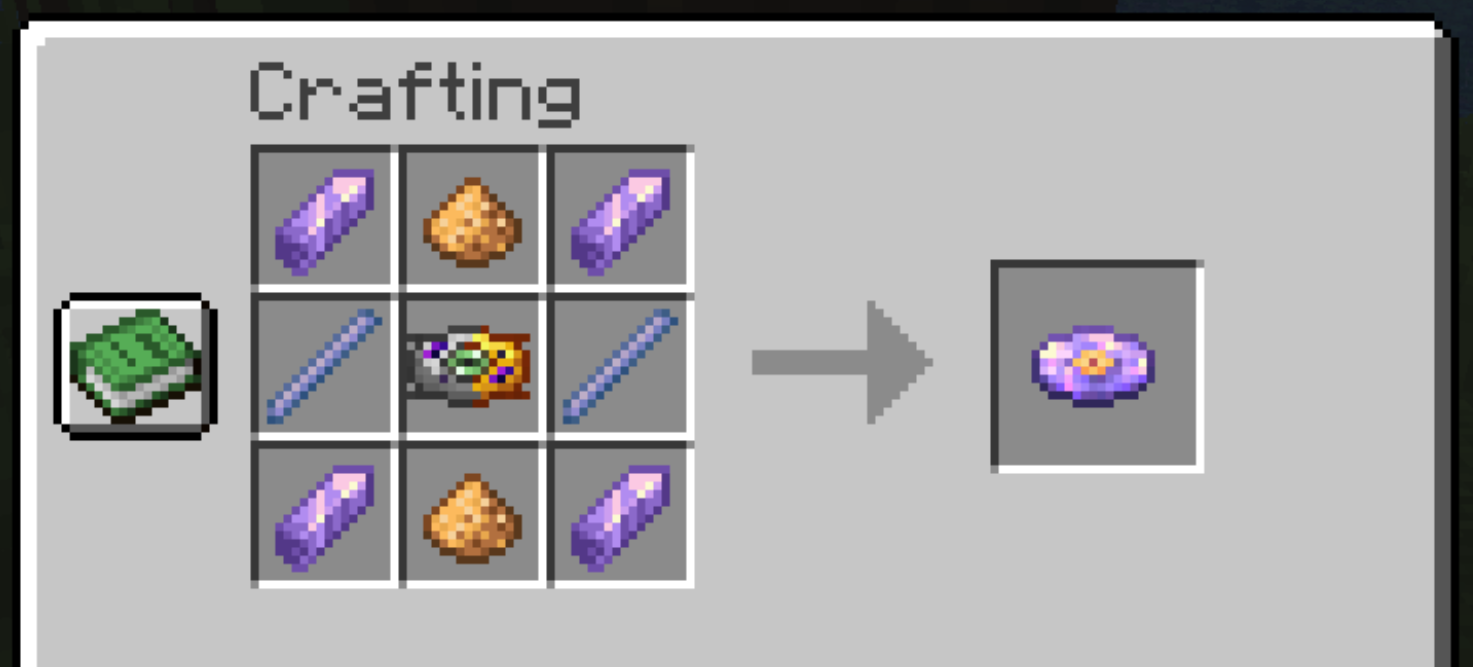
◽Ingredientes (Ingredients):
- Amethyst x4
- Glowstone Dust x2
- Breeze Rod x2
- Disc Mold x1
💠Música y Artista (Music and Artist):
By: Lena Raine
Lena Raine - Infinite Amethyst
🎨Diseño (Design):
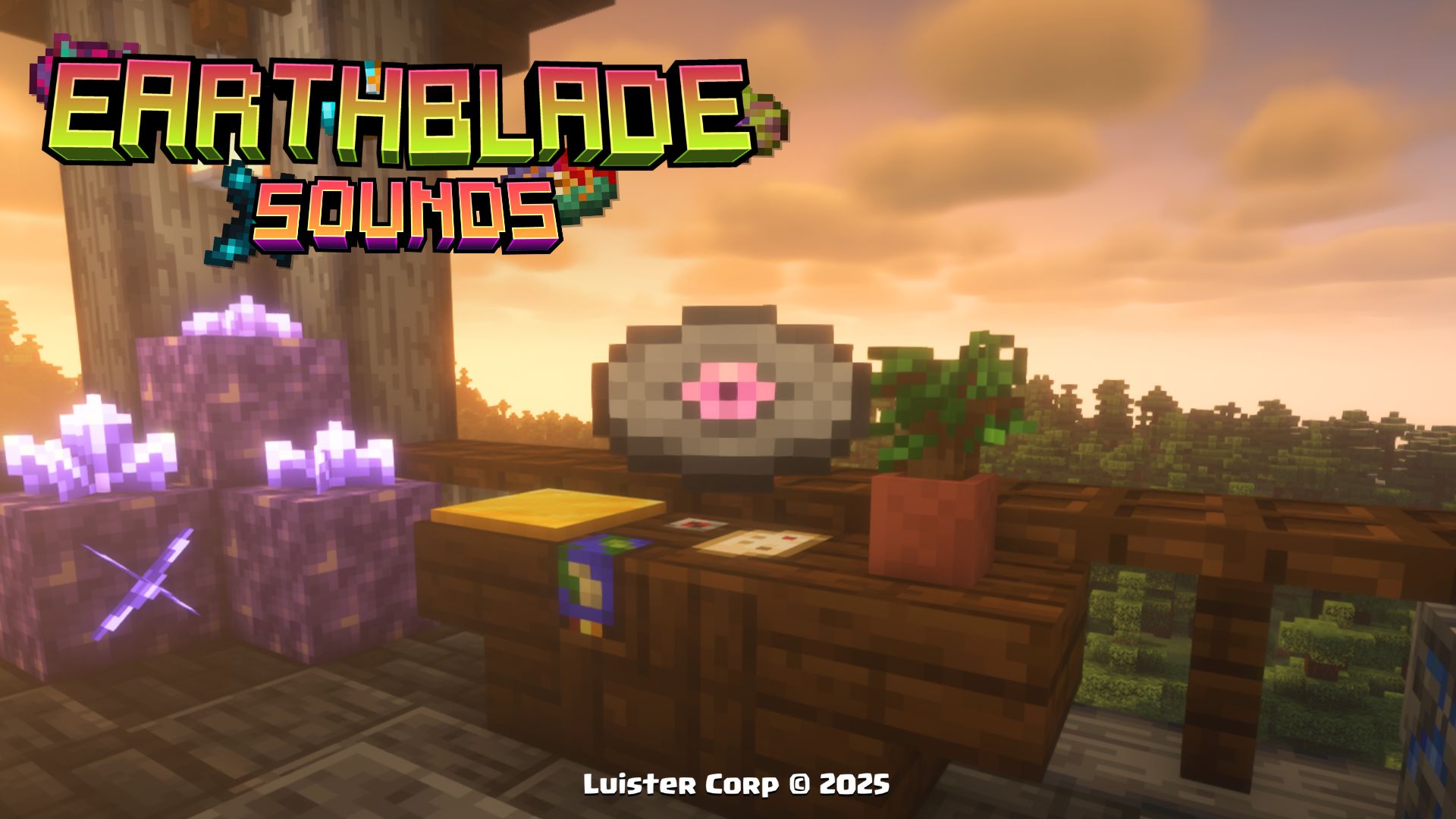
◽Encontrable (Find It)
💠Música y Artista (Music and Artist):
By: Lena Raine
Lena Raine - Hugs for Ralsei
🎨Diseño (Design):
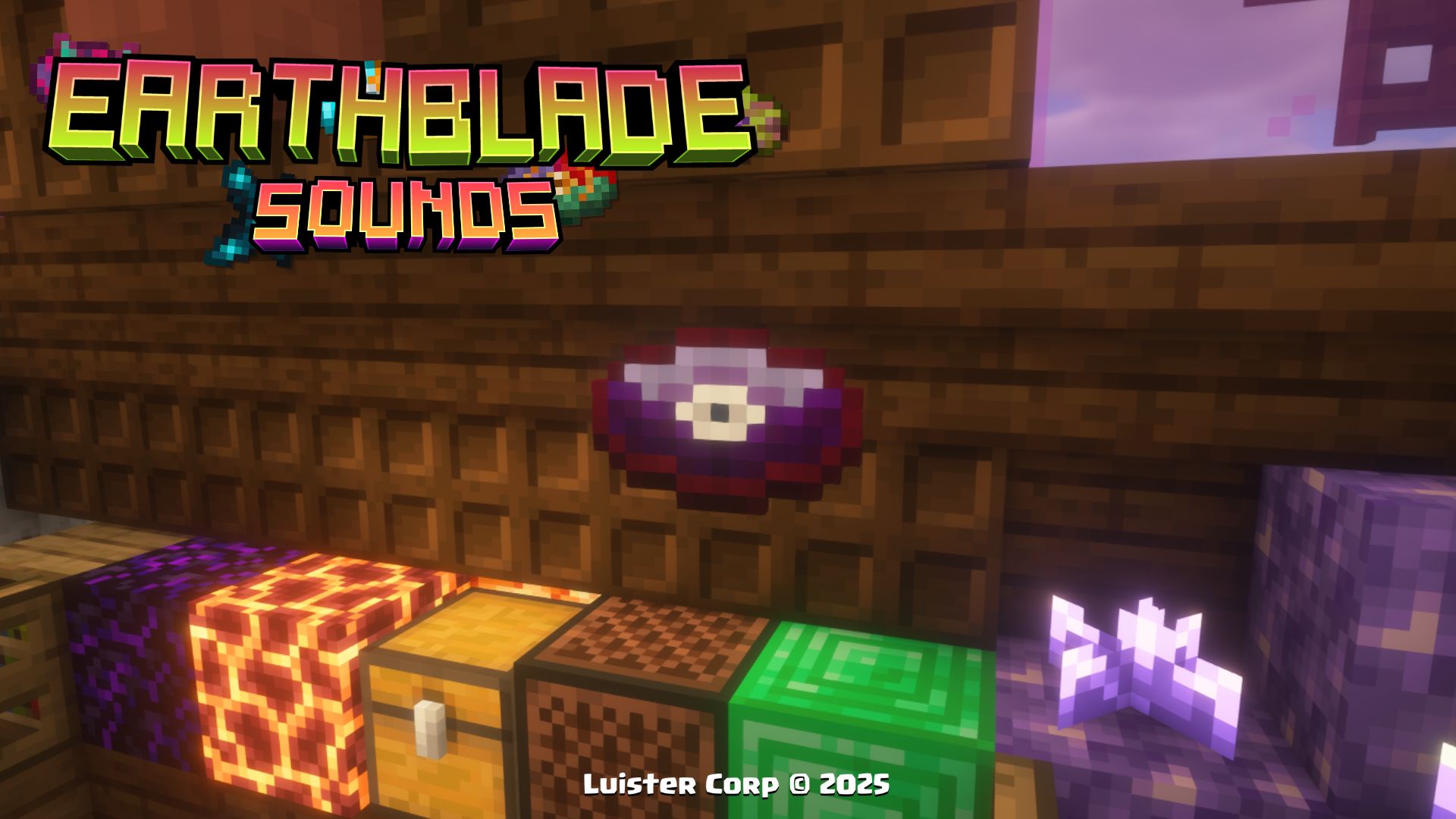
◽Encontrable (Find It)
💠Música y Artista (Music and Artist):
By: Lena Raine
Lena Raine - Accept Your Fate
◾Crafteo (Crafting):
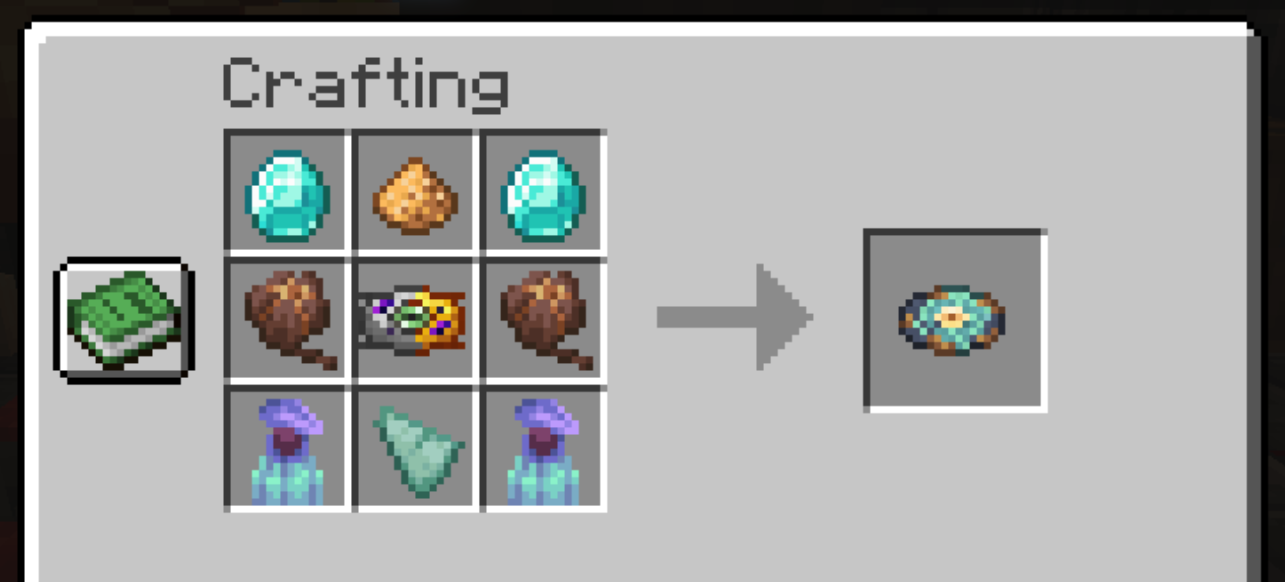
◽Ingredientes (Ingredients):
- Diamond x2
- Glowstone Dust x1
- Pitcher Pod x2
- Disc Mold x1
- Pitcher Plant x2
- Prismarine Shard x1
💠Música y Artista (Music and Artist):
By: Lena Raine
Lena Raine - Child of the Earth
🎨Diseño (Design):
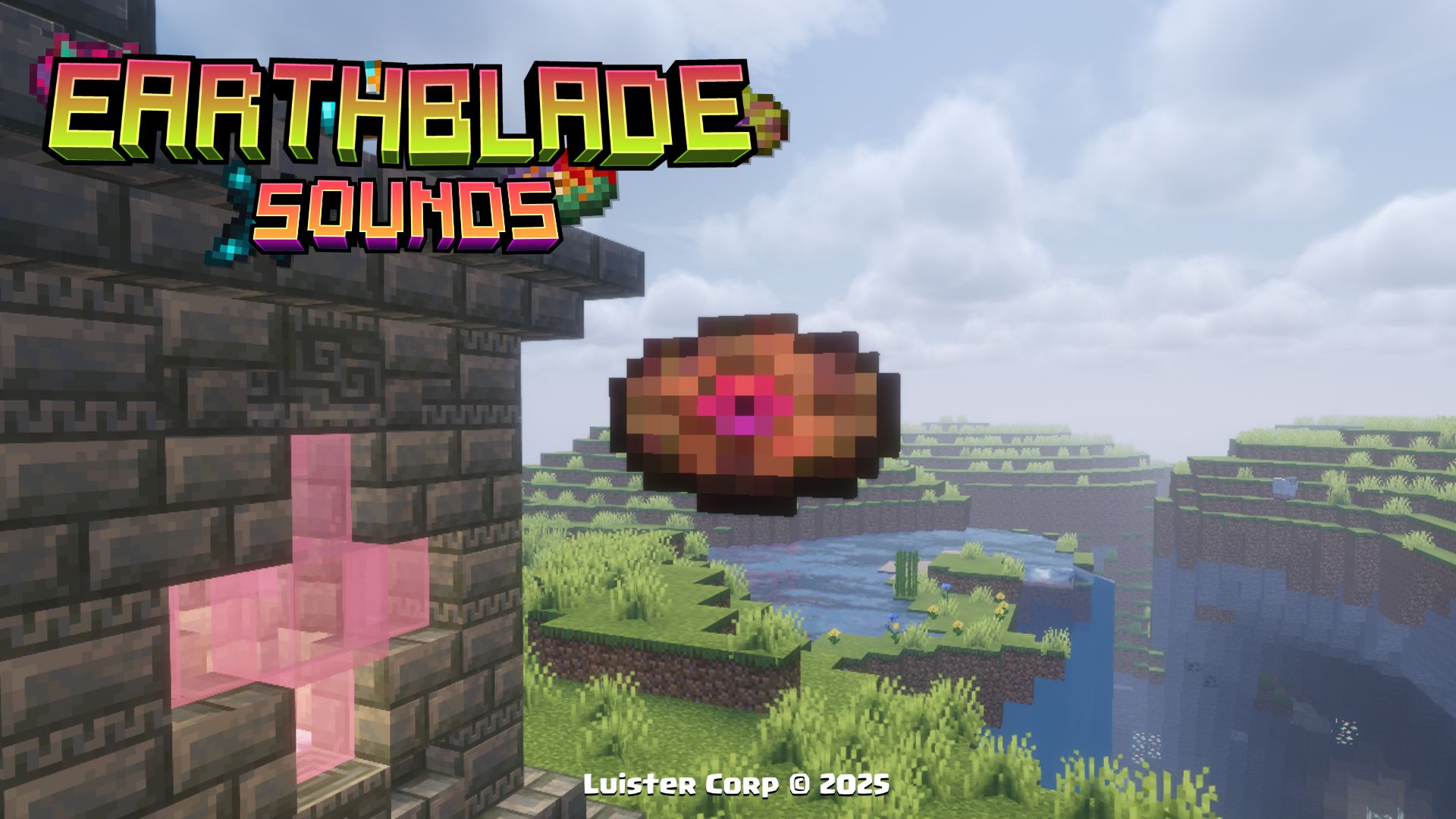
◽Encontrable (Find It)
💠Música y Artista (Music and Artist):
By: Lena Raine
Lena Raine - DEFY
🎨Diseño (Design):
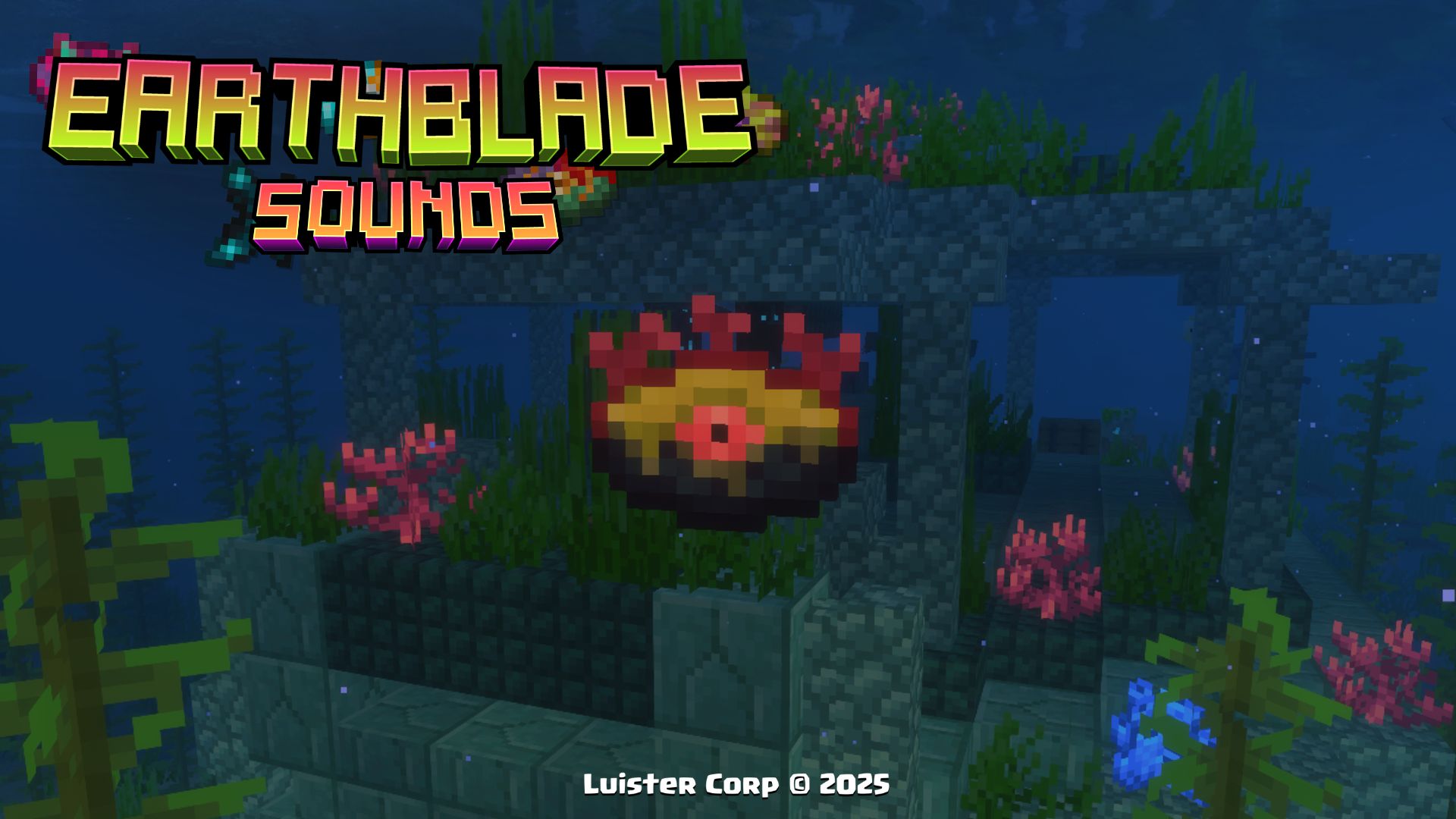
◽Encontrable (Find It)
💠Música y Artista (Music and Artist):
By: Lena Raine
Lena Raine - Verdant Mysteries
◾Crafteo (Crafting):
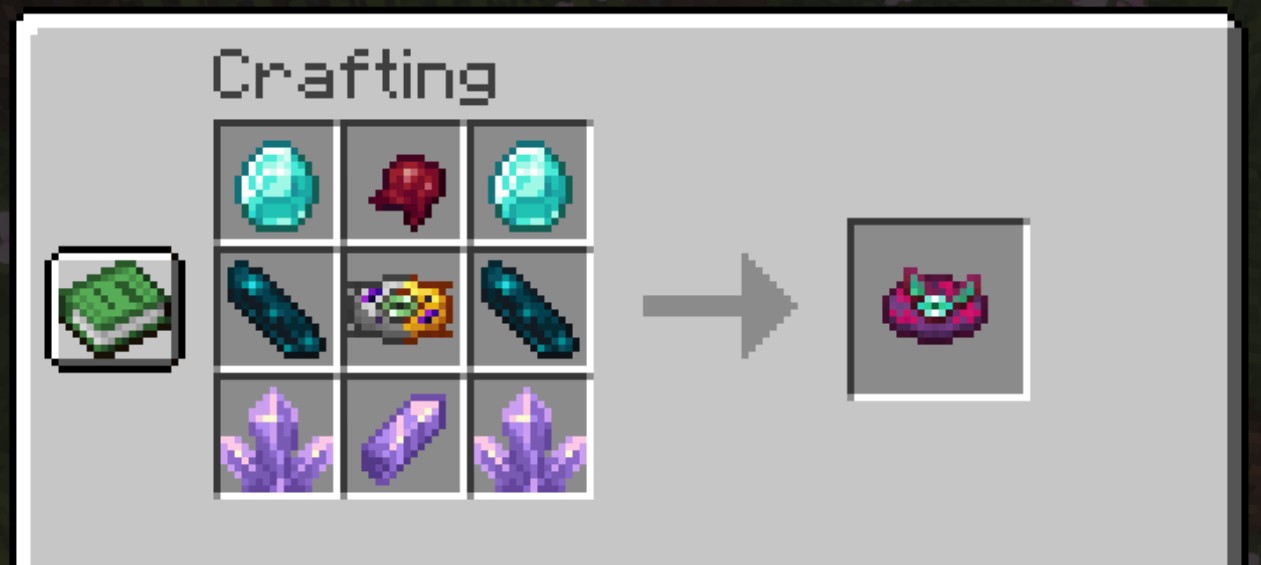
◽Ingredientes (Ingredients):
- Diamond x2
- Fermented Spider Eye x1
- Echo Shard x2
- Disc Mold x1
- Amethyst Cluster x2
- Amethyst Shard x1
💠Música y Artista (Music and Artist):
By: Lena Raine
Lena Raine - DEPOSE
🎨Diseño (Design):
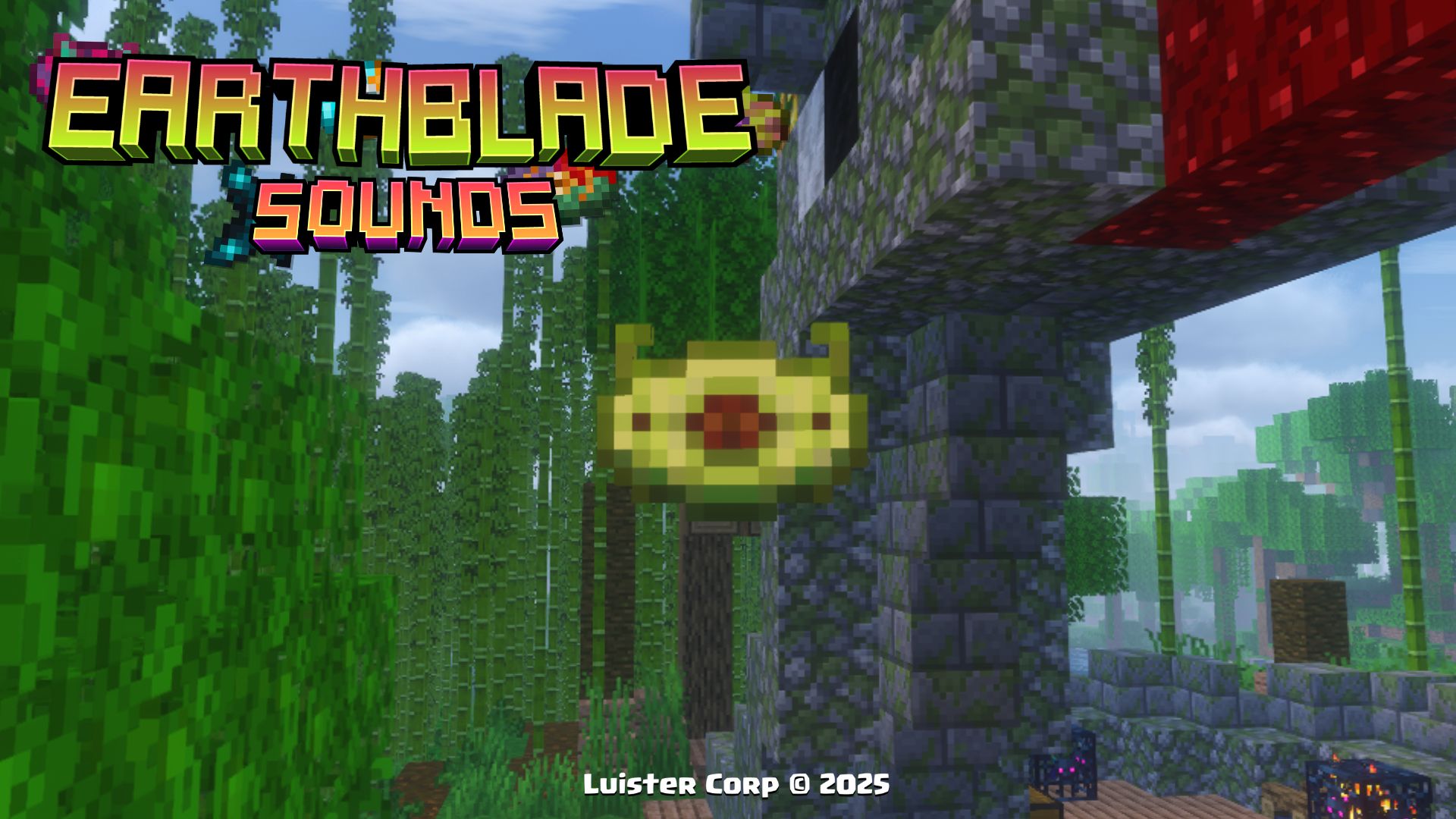
◽Encontrable (Find It)
💠Música y Artista (Music and Artist):
By: Lena Raine
Lena Raine - Poison in the Roots
◾Crafteo (Crafting):
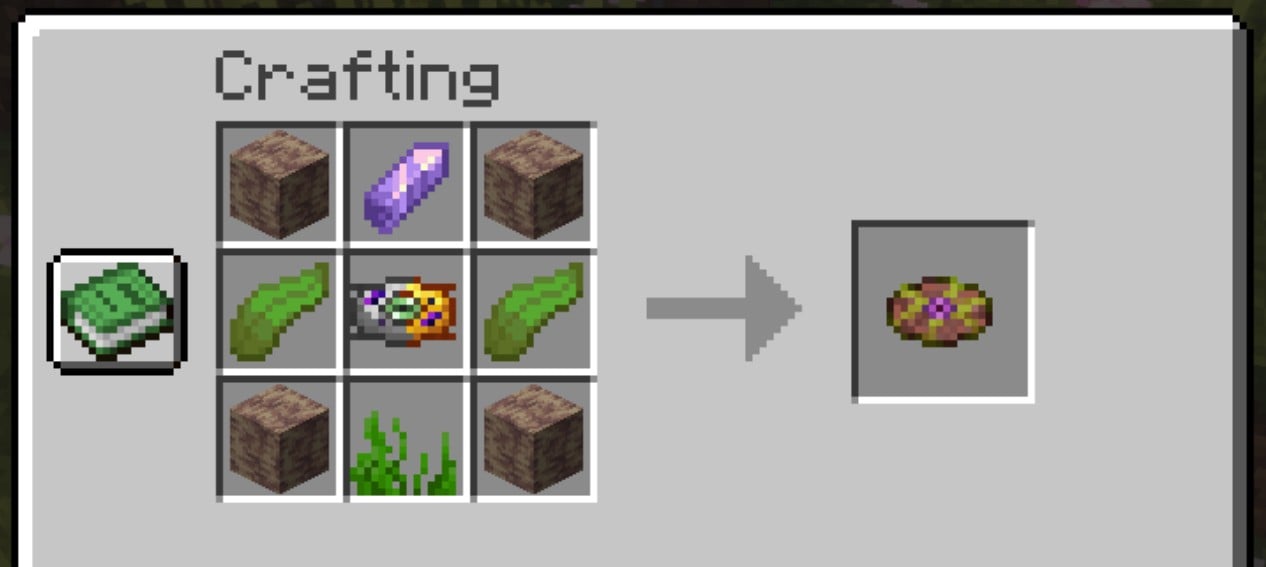
◽Ingredientes (Ingredients):
- Dripstone Block x4
- Amethyst Shard x1
- Kelp x2
- Disc Mold x1
- Seagrass x1
💠Música y Artista (Music and Artist):
By: Lena Raine
Lena Raine - LINEAGE
◾Crafteo (Crafting):
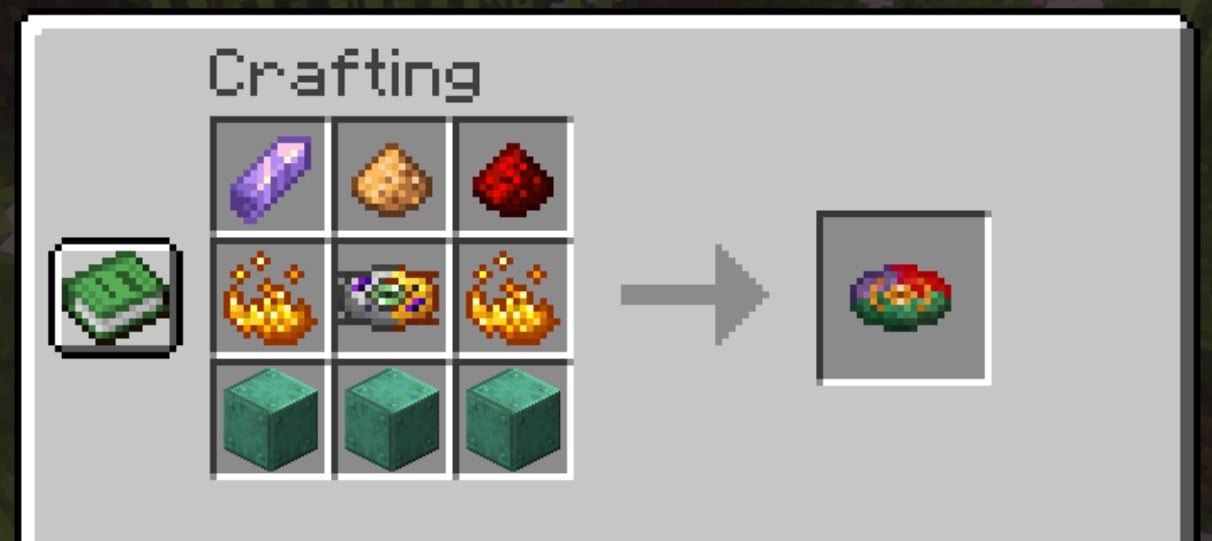
◽Ingredientes (Ingredients):
- Amethyst Shard x1
- Glowstone Dust x1
- Redstone Dust x1
- Blaze Powder x2
- Disc Mold x1
- Oxidized Copper x3
💠Música y Artista (Music and Artist):
LINEAGE By: Lena Raine
Lena Raine - Earth's Cry
🎨Diseño (Design):
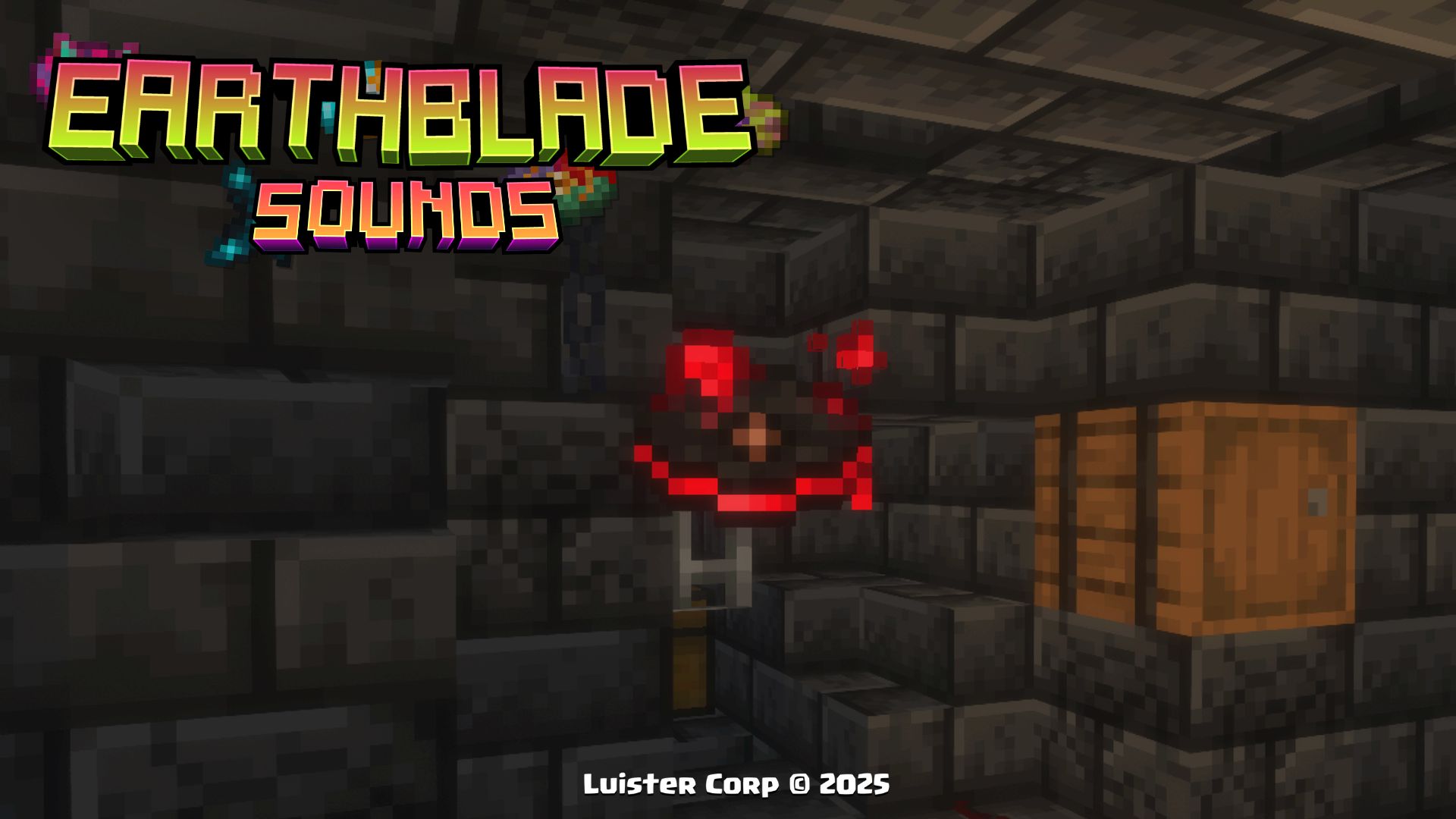
◽Encontrable (Find It)
💠Música y Artista (Music and Artist):
Lena Raine - RECURSION
◾Crafteo (Crafting):
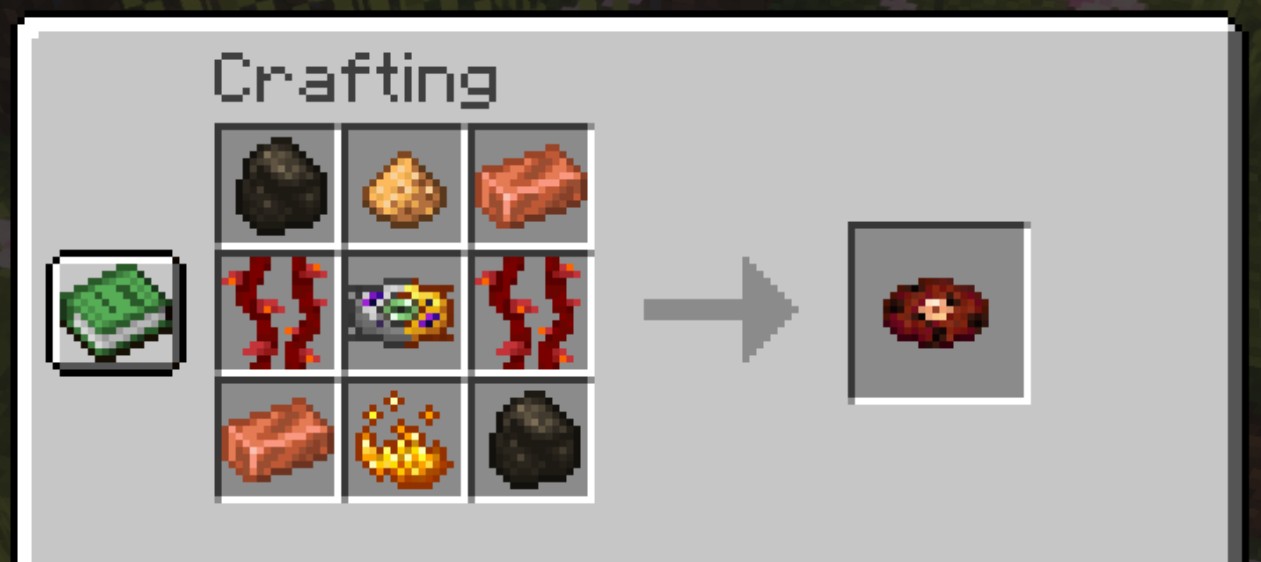
◽Ingredientes (Ingredients):
- Charcoal x2
- Glowstone Dust x1
- Copper Ingot x2
- Weeping Vines x2
- Disc Mold x1
💠Música y Artista (Music and Artist):
By: Lena Raine
glass beach - commatose
🎨Diseño (Design):
◽Encontrable (Find It)
💠Música y Artista (Music and Artist):
By: glass beach
More: Spotify - Bandcamp - YouTube - Patreon - FaceBook - SoundCloud
More Soon...
New Advancements 🏆 (Nuevos Logros)
When you get any of the new items and discs or find any of the new structures of this Datapack, you will get a new section of perzonalized advancements with references to different movies🎬, series📺 and videogames 🕹
◾Image:
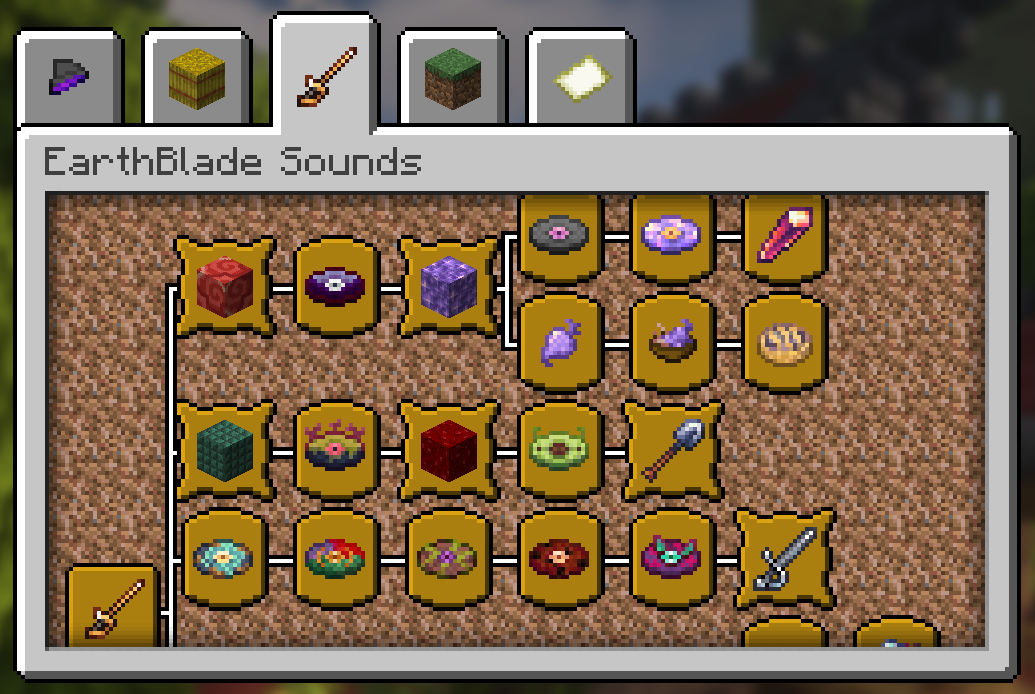
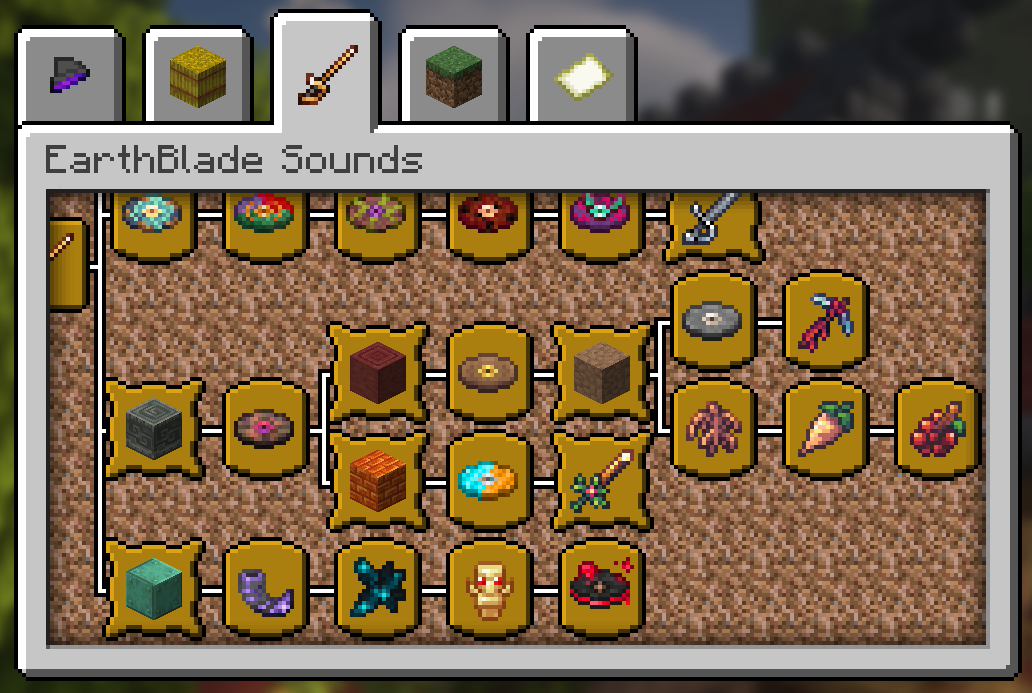
These 38 New Advancements, are obtained by finding a New Items, finding the Structures and getting the newly added discs 💿.
Procesos de Instalación 💾 (Installation Processes)
 Below we invite you to review the correct installation process of our Data Package in the following categories
Singleplayer - Un Jugador
Pasos Para Instalar DataPack (Steps to Install DataPack):
-
Abrir Minecraft (Open Minecraft)
Inicia el juego (start the game). -
Crea un Nuevo Mundo (Create a New World)
Vaya a "Más" y haga clic en "Paquetes de Datos". (go to “More” and click on "Datapacks”).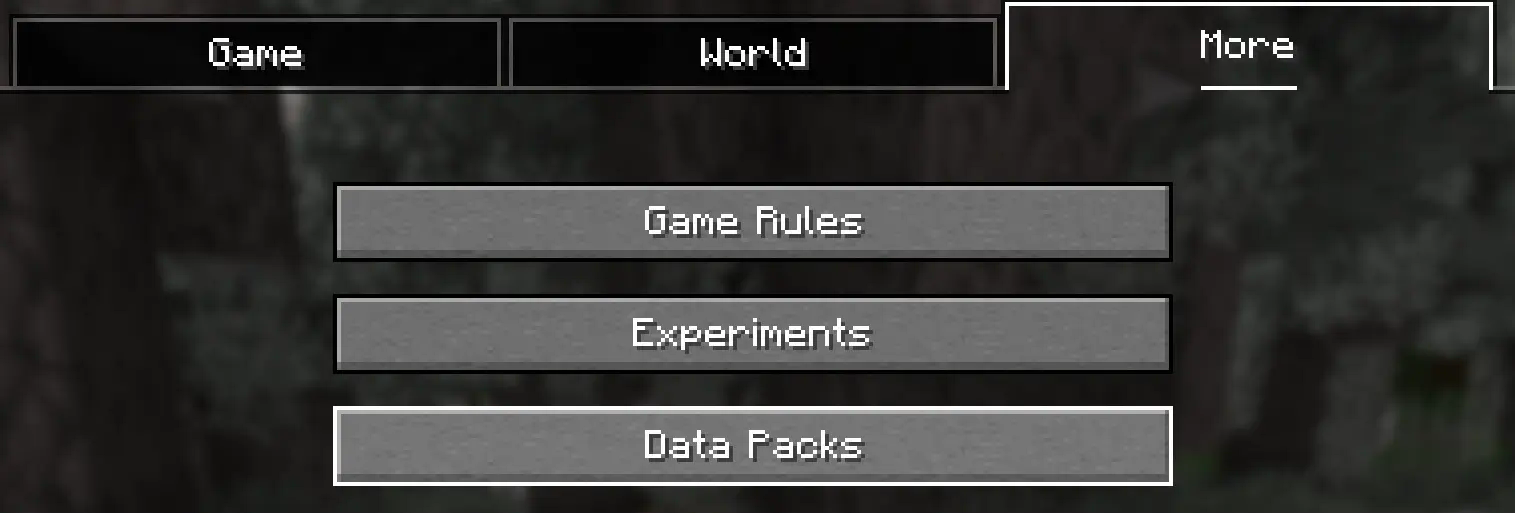
-
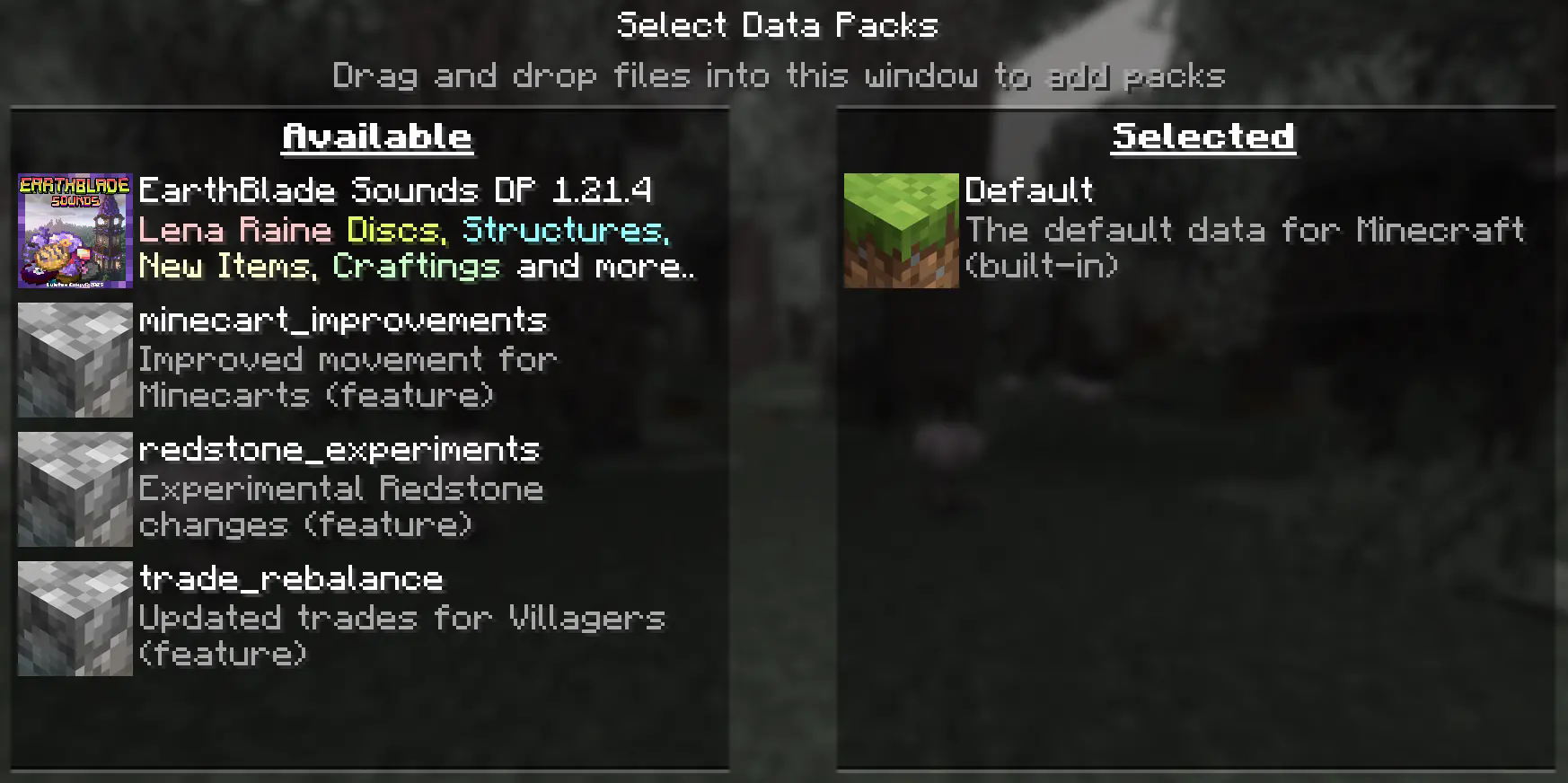
Añadir el Datapack (Add Datapack)
Arrastre el Paquete de Datos (un archivo.zipo directorio) a la ventana de Minecraft.📟 (Drag the Data Package (a
.zipor directory) to the Minecraft window).
Aparecerá una pantalla de confirmación. Haga clic en "Confirmar".
📟 (A confirmation screen will appear. Click on "Confirm ”).
-
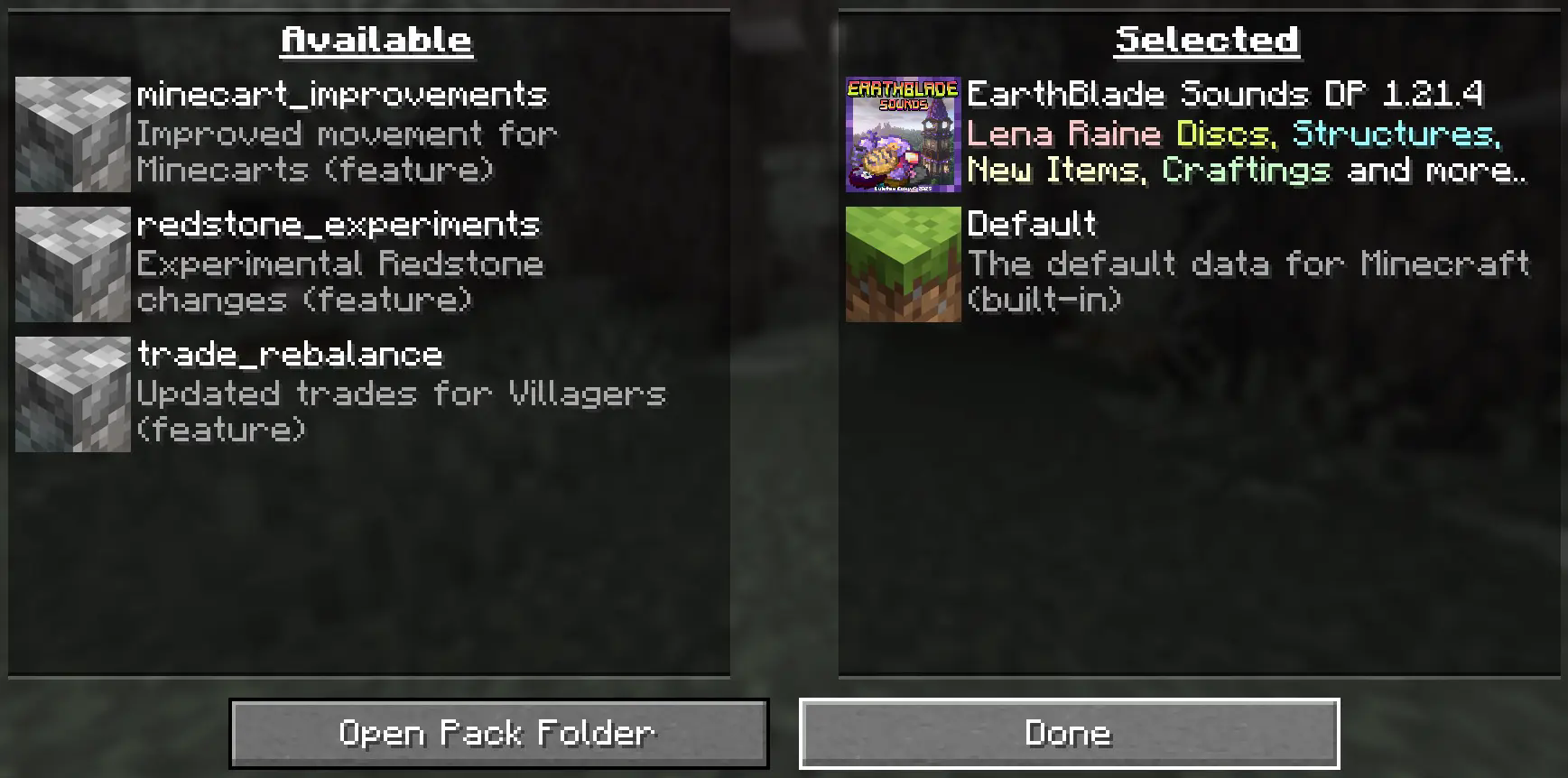
Activar el DataPack (Activate the DataPack)
Mueva el Paquete de Datos al lado derecho de la pantalla haciendo clic en el triángulo de su ícono (visible al pasar el cursor sobre él).📟 Move the Datapack to the right side of the screen by clicking on its triangle icon (visible when hovering over it).
-
Creación del Mundo Nuevo (Creation of the New World)
Haz clic en "Hecho" en la parte inferior de la pantalla.📟 (Click "Done ” at the bottom of the screen).
 Continúa creando tu mundo y haz clic en "Crear nuevo mundo".
📟 (Continue creating your world and click on "Create new world ”).
⚠️ IMPORTANTE - IMPORTANT⚠️
Se generará un aviso al momento de crear un mundo nuevo, ya que son características experimentales, cualquier tipo de error puede ser comunicado a nuestro Discord Oficial
📟 A warning will be generated when creating a new world, since these are experimental features, any kind of error can be communicated to our Discord Oficial
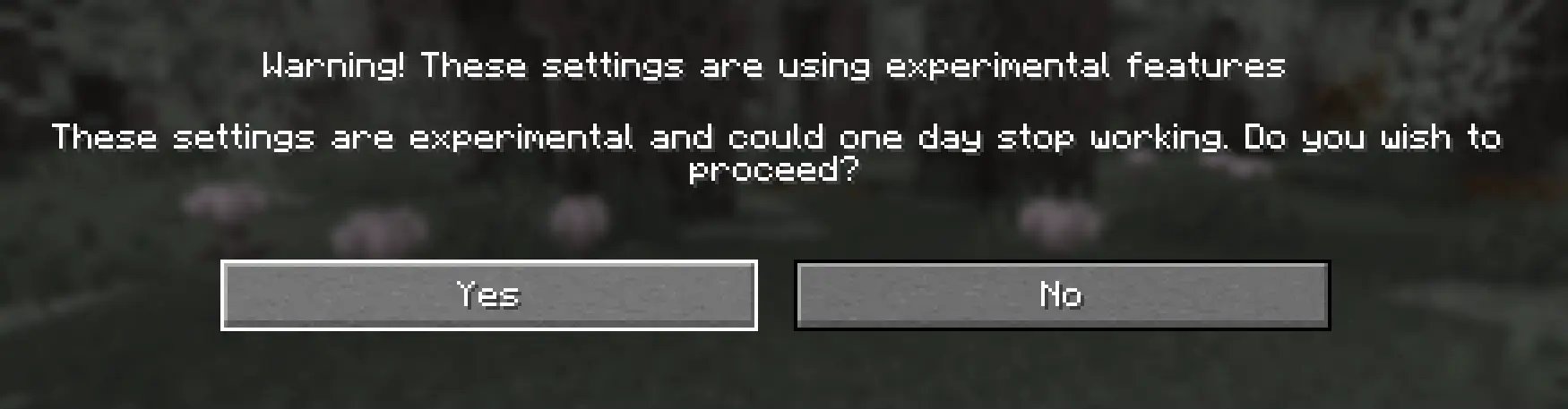
Continue dandole al boton Sí y disfrute de su Aventura :)
📟 Continue clicking the Yes button and enjoy your adventure :)
Multiplayer - Multijugador
Pasos Para Instalar DataPack (Steps to Install DataPack):
-
Abrir la carpeta de tu servidor (Open the folder on your server)
Navega hasta la carpeta de tu servidor y luego abre la carpeta del mundo en el que deseas instalar el Paquete de Datos (predeterminado:world).Navigate to your server folder and then open the world folder in which you want to install the Datapacks (default:
world). -
Agrega el DataPack (Add the DataPack)
El Paquete de Datos debe ser un archivo.zip.file.
Coloca el Paquete de Datos en una carpeta llamadadatapacksdentro de la carpeta world.The DataPack must be a
.zipfile.
Place the DataPack in a folder nameddatapacksinside the world folder. -
Vuelve a cargar el servidor (reload the server)
Escribe/reloaddesde la consola o como operador de nivel 3, si el servidor estaba ejecutándose durante la instalación.Type
/reloadfrom the console or as a level 3 operator, if the server was running during installation.
⚠️ IMPORTANTE - IMPORTANT⚠️
Se generará un aviso al momento de crear un mundo nuevo, ya que son características experimentales, cualquier tipo de error puede ser comunicado a nuestro Discord Oficial
📟 A warning will be generated when creating a new world, since these are experimental features, any kind of error can be communicated to our Discord Oficial
LuisterCorp Projects:


Advancements Projects:


Towerinator Projects:


Sponsored by Bisecthosting 💌
