Compatibility
Minecraft: Java Edition
Platforms
Supported environments


Creators


Details









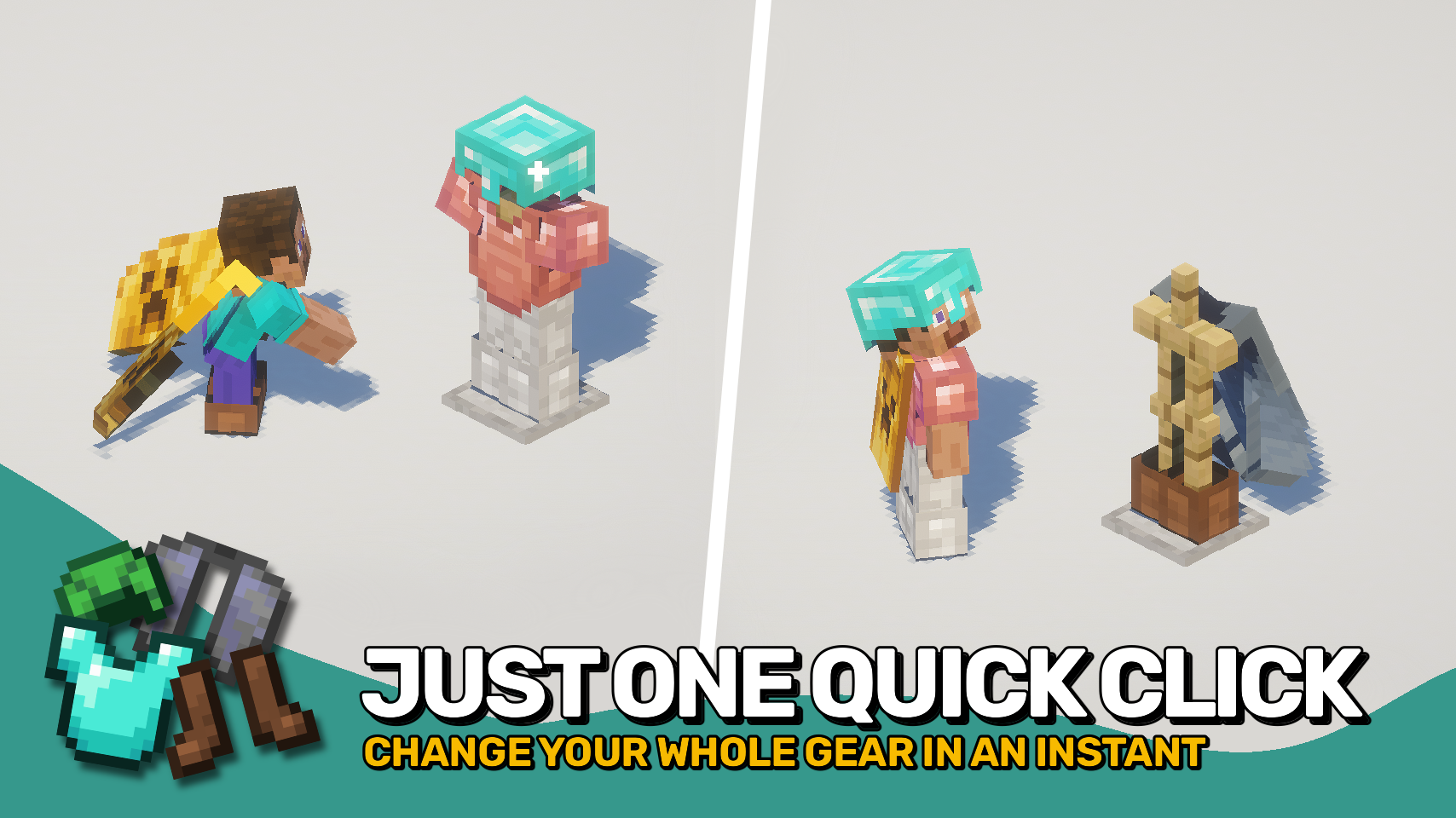
Armor Quick Swap makes changing gear effortless. In your inventory, simply right-click an armor piece to instantly equip or exchange it with what you’re wearing. You can also sneak and right-click an armor stand to swap your entire outfit in one go. It couldn’t be simpler — just quick gear changes whenever you need them.
The best part? It works on any setup — client-only, server-only, or both together — for full compatibility everywhere.


⏩ INSTALLATION OPTIONAL ON CLIENT & OPTIONAL ON SERVER
⏩ REQUIRES PUZZLES LIB TO BE INSTALLED (FABRIC & NEOFORGE)
⏩ REQUIRES FABRIC API TO BE INSTALLED (FABRIC)
⏩ REQUIRES FORGE CONFIG API PORT TO BE INSTALLED (FABRIC)

If available for a mod, configuration is possible directly from in-game using the mod menu (requires Mod Menu by Prospector to be installed on Fabric). Please note that on older Minecraft versions installing Forge Config Screens is also a requirement.
For manual configuration using an external text editor all files are found at .minecraft/config, named as MOD_ID-client.toml, MOD_ID-common.toml, or MOD_ID-server.toml, depending on the type of config. Not all types might exist for a mod, if any at all.